We also experienced this issue. It is something that Canvas needs to fix on their end but here is the workaround.
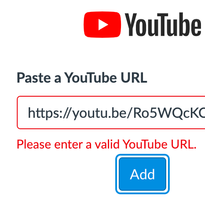
The problem comes when you import a YouTube video into Canvas Studio and the default privacy settings are set to 'private'.
Even if you change it later to 'unlisted' or 'public', Canvas Studio still detects this has being a private video.
When you upload your video, as long as you select your default privacy settings to 'unlisted', you will have no issues importing to Canvas Studio.
Unfortunately, you'll need to re-upload each of the videos to YouTube and set the default to 'unlisted' and then add each link back to Studio.


This discussion post is outdated and has been archived. Please use the Community question forums and official documentation for the most current and accurate information.