Hello there, @frimmer ...
I assume that you were using the directions provided in either of these Guides:
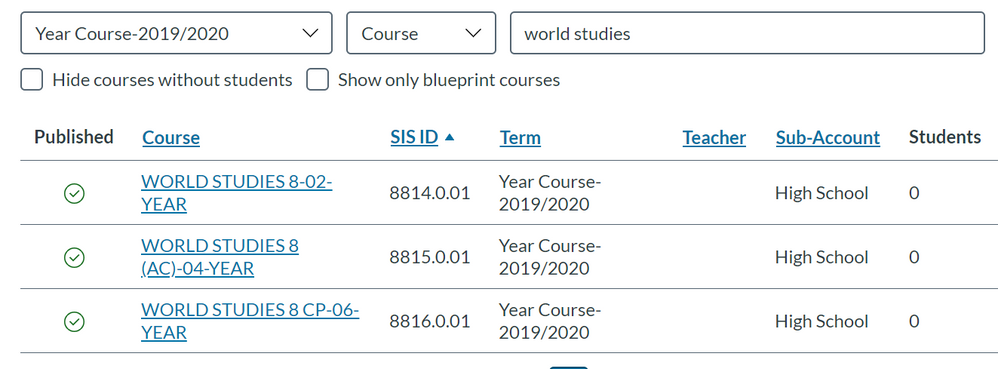
Assuming that all three courses originally had students/instructors enrolled in them, those enrollments should have moved over to the course where you wanted all the enrollments to go into. For example, if you cross listed the top two courses in your screen shot so that all enrollments go into the top course, then that should have worked. You could also cross-list the top and the bottom course so that all enrollments from the bottom course also go to the top course. The end result is that all enrollments from all three courses moved to the top course...and you'd be able to tell which students belonged to which section via the "People" tab of that course.
You may need to reach out to the folks at the Canvas Help Desk to get further assistance with this...in hopes they might be able to log into your Canvas environment to help troubleshoot. How do I cross-list a section in a course as an admin?
I hope this will help a bit, Felipe. Please let Community members know if you have any other questions about this....thanks! Be well, and stay safe!




This discussion post is outdated and has been archived. Please use the Community question forums and official documentation for the most current and accurate information.