The Instructure Community will enter a read-only state on November 22, 2025 as we prepare to migrate to our new Community platform in early December. Read our blog post for more info about this change.
The star that they added this semester after Covid in order to "help" students acclimate to online learning. I see no means to let the stupid panda know that I do not need its help, and that--in true useless panda fashion [que funny internet videos of pandas]--it isn't helping me.
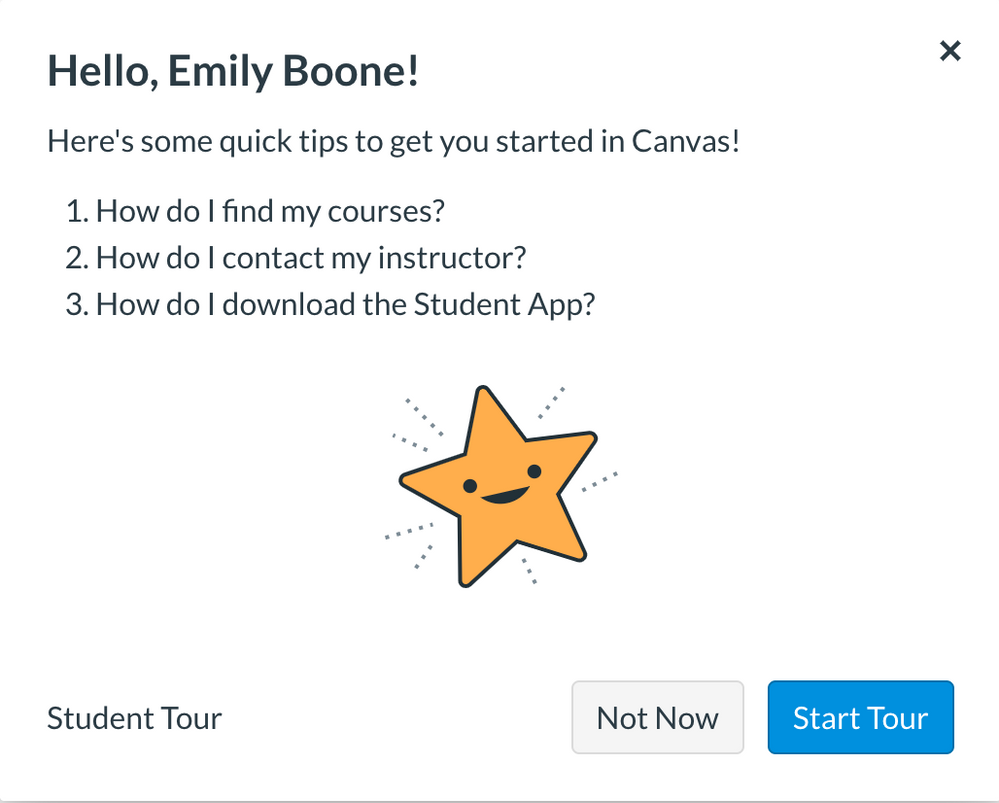
Hi, @sshaulis0 . I think you are talking about the New User Tour feature as illustrated in the screenshot below. This tutorial should go away when you close the pop-up, select "Not Now", or complete the tour. If it does not go away when you do any of these things you may have cookies disabled or be using a browser that blocks cookies.
Yes, thank you Adam.
That's the one I'm referencing. My issue isn't with clicking off of it, but rather the fact that the tour is so pushy that it pops up every single time I click on modules. Is there any way to tell the Panda that I do not require its touring services?
It should not pop up again once you have closed it. If it is, then something with your browser is probably blocking the cookie (small file) that is used to keep it from popping up. Check to make sure you have cookies enabled and that you aren't using an incognito version or some other browser setting that blocks cookies.
Community helpTo interact with Panda Bot, our automated chatbot, you need to sign up or log in:
Sign inTo interact with Panda Bot, our automated chatbot, you need to sign up or log in:
Sign in
This discussion post is outdated and has been archived. Please use the Community question forums and official documentation for the most current and accurate information.