Hello @dsw13 ...
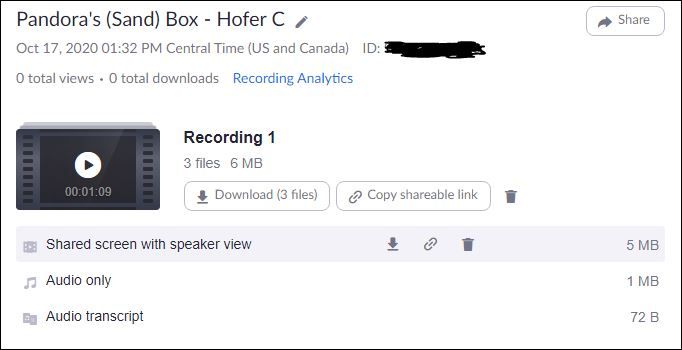
As far as I know, there isn't a way to delete the individual files for a recorded Zoom session? Is there a reason you'd want to delete those files? When you click on a Zoom recording, you may see up to four different files:
- *.mp4 file (video recording)
- *.m4a file (audio recording)
- *.vtt file (closed captioned transcript)
- *.txt file (chat interface transcript)
Those files may be useful to others, so I would recommend keeping them as part of your overall Zoom recording...in case you or your students would need them for some reason.
I hope this helps. Sing out if you have any other questions about this...thanks! Take care, stay safe, and be well.




This discussion post is outdated and has been archived. Please use the Community question forums and official documentation for the most current and accurate information.