This issue is not fixed at all. Many people are still having it in Spring 2020. See the separate thread titled "Highlight Tool in SpeedGrader." (It might appear in the "Related Content" below.) Here's what I wrote in response to that thread:
"I've just started having the "opaque highlighter" problem too. It's not a highlighter anymore; it's a censor's pen! Exactly the opposite of what it should be!
I've used Canvas for many semesters, but this problem just started happening to me, even though my own setup hasn't changed recently. I'm using a MacBook Pro, Mac OS Sierra 10.12.6, Safari 12.1.2. The odd thing is, the highlighter is sometimes opaque and sometimes transparent; it varies from one document to the next. Argh! And I don't know how each individual student is seeing it on their end. I just don't trust the SpeedGrader interface at all anymore.
Needless to say, this is making my end-of-semester grading extremely difficult. I've resorted to using rectangular colored "boxes" instead, but that is very awkward too. (My institution doesn't have an easy way to submit automated help tickets for Canvas, and anyway, it's clearly not my institution's fault. Sounds like Canvas has already had multiple, multiple complaints about this, and they either don't know how to fix it, or they don't care enough.)"


 Welcome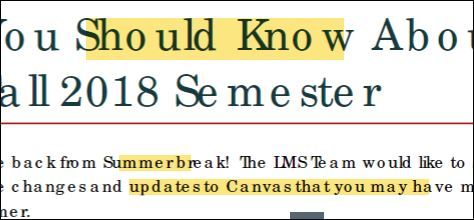





This discussion post is outdated and has been archived. Please use the Community question forums and official documentation for the most current and accurate information.