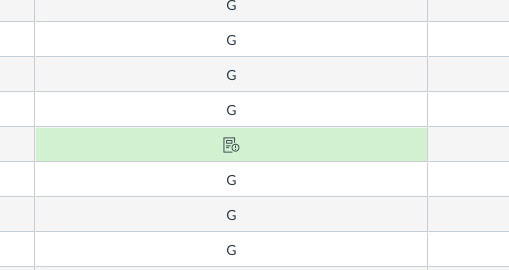
Note Icons in Gradebook
Some grades have note icons because there has been a student submission that has to be graded in speed grader in order for the number to show up in gradebook. (cannot be done manually until the first grade is put in through speed grader). Follow these steps:
- Click on the arrow beside note icon which will bring you to the submission in speed grader
- Preview and download the student submission, fill in the grade
- OR if the resubmission grade will still be the same, click ‘grade to stay the same’ under the grade box in speedgrader.
- Press submit.
*If the note icon is still there in gradebook, you just need to refresh the page.
* To manually add to a grade after speedgrader, go into gradebook settings, Advanced, check ‘Allow Manual Grade Override.’




This discussion post is outdated and has been archived. Please use the Community question forums and official documentation for the most current and accurate information.