@srubin , the Canvas Rich Content Editor (RCE) has a whitelist of allowed tags, elements, and attributes: Canvas HTML Editor Allowlist. If it's not on that list, it will be stripped out, and your desired text will not display, as you've discovered. I know some designers have successfully displayed unsupported HTML content by creating an HTML file, uploading it to the course's files area, and then embedding that file in an iframe, using code something like this:
<iframe src="/courses/[YOUR COURSE ID]/files/[YOUR FILE ID]/download" width="100%" height="[WHATEVER WORKS]" data-api-endpoint="https://[YOUR CANVAS DOMAIN]/api/v1/courses/[COURSE ID]/files/[FILE ID]" data-api-returntype="File"></iframe>
(I don't actually employ this solution myself, so your mileage may vary.)
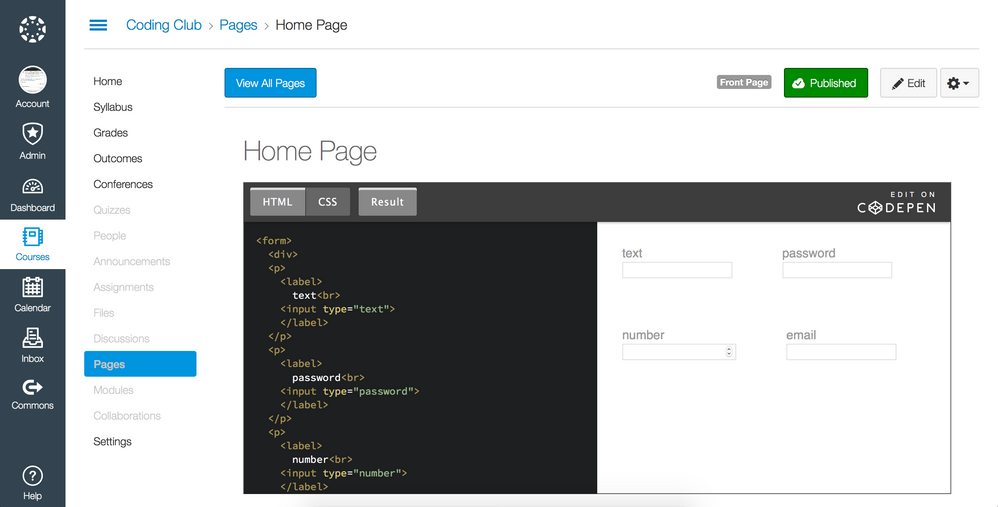
Some have solved the problem by hosting the content on another server, and then using an iframe to embed it on the Canvas page, as demonstrated here: iFrames are your iFriend .
So I've shared your question with the Instructional Designers group to get more eyes on it and, I hope, ultimately resolve your design issue.




This discussion post is outdated and has been archived. Please use the Community question forums and official documentation for the most current and accurate information.