Hi @maryanne_mills ...
I tried to re-create your issue, but I could not. Here is what I did:
- Created a brand new page in my sandbox course via the "Pages" index page.
- Shared the page to Canvas Commons.
- Returned to the course, updated, and saved the page.
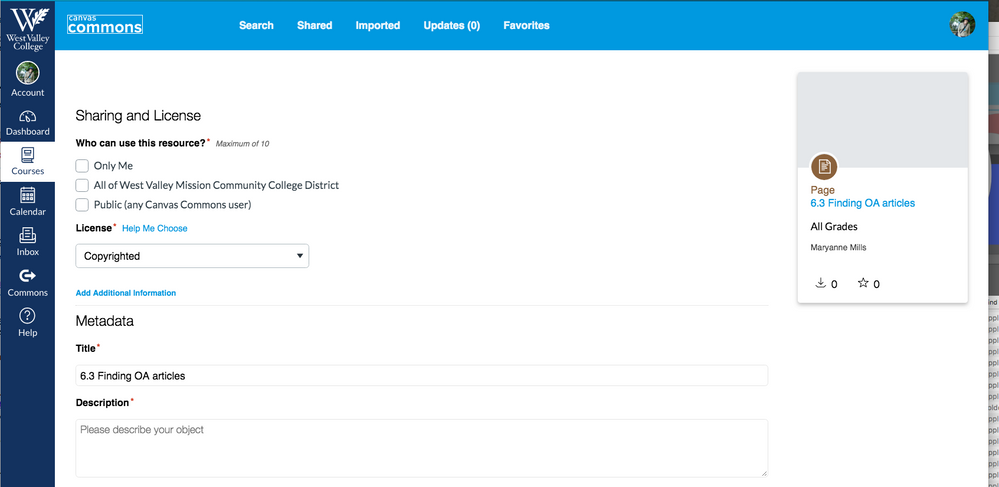
- Navigated to the "Pages" index page of the course, clicked on the three-dot kebab icon to the right of the page name, and selected "Share to Commons".
This takes me to the Commons interface. At the top of the screen is a toggle switch for "Is this an update to a previously shared resource?" which is currently turned on (green check mark). Then, I clicked on the "Update" button at the bottom of the page.
To answer your follow-up question, you shouldn't have to share an entire course to Commons if you are only updating a single page. The process I have described above is only sharing and updating a single page from a course to Canvas Commons. I hope this helps, Maryanne.







This discussion post is outdated and has been archived. Please use the Community question forums and official documentation for the most current and accurate information.