If no students have taken it yet just go to the assignment tab (specifically on this tab only), select edit from the three dot menu next to the quiz, and change the total in the pop-up.
If students have already taken the quiz there are a few more steps. First on the grades tab use the three dot menu to hide grades.
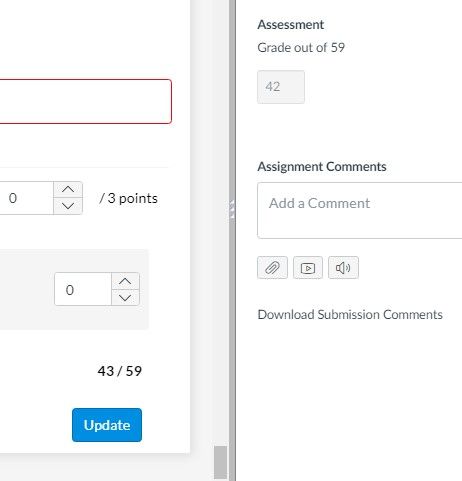
Then go to speedgrader, add on fudge point to each completed quiz, and select update. Return to the gradebook to see the change.
Go back to speedgrader, remove each fudgepoint, and select update. Return to the gradebook to see corrected scores, and then select post>graded from the three dot menu.







This discussion post is outdated and has been archived. Please use the Community question forums and official documentation for the most current and accurate information.