The Instructure Community will enter a read-only state on November 22, 2025 as we prepare to migrate to our new Community platform in early December. Read our blog post for more info about this change.
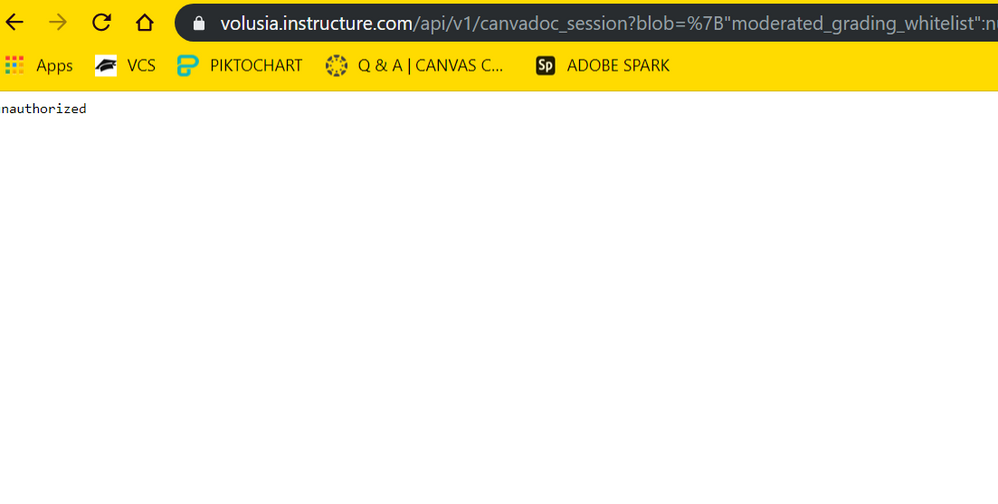
In Canvas Course - why does it say 'Unauthorized' when I try to access documents in assignments? Some students are able to access it, while others are not.
Solved! Go to Solution.
Hello @cimicall ...
You might see a message like this if the instructor has incorrectly linked a file in your course. For example, if an instructor copied and pasted a link to a file from course "A" to course "B", that would typically give you an error message. The link in course "B" could be pointing back to course "A". And, if you are enrolled in course "B", you wouldn't typically have access to course "A" as well...so that would give you an error message. The best thing to do in situations like this is to contact your instructor to let him/her know the link is not working so that he/she can investigate and make corrections to the link. You can contact your instructor by following the instructions outlined in this Guide, How do I get help with Canvas as a student? I hope this resource will be of help to you, Catherine. Good luck!
Hello @cimicall ...
You might see a message like this if the instructor has incorrectly linked a file in your course. For example, if an instructor copied and pasted a link to a file from course "A" to course "B", that would typically give you an error message. The link in course "B" could be pointing back to course "A". And, if you are enrolled in course "B", you wouldn't typically have access to course "A" as well...so that would give you an error message. The best thing to do in situations like this is to contact your instructor to let him/her know the link is not working so that he/she can investigate and make corrections to the link. You can contact your instructor by following the instructions outlined in this Guide, How do I get help with Canvas as a student? I hope this resource will be of help to you, Catherine. Good luck!
Community helpTo interact with Panda Bot, our automated chatbot, you need to sign up or log in:
Sign inTo interact with Panda Bot, our automated chatbot, you need to sign up or log in:
Sign in
This discussion post is outdated and has been archived. Please use the Community question forums and official documentation for the most current and accurate information.