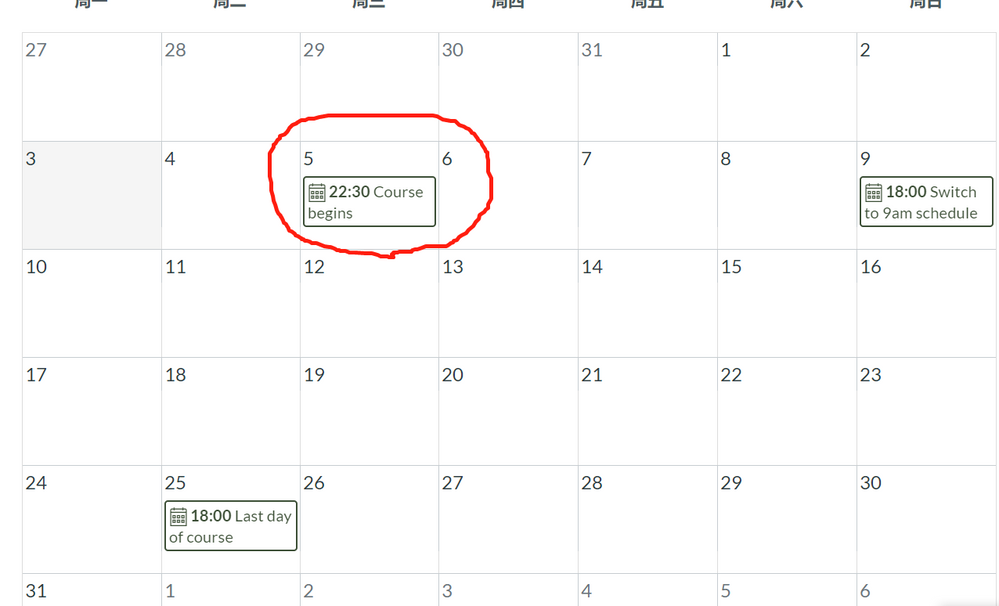
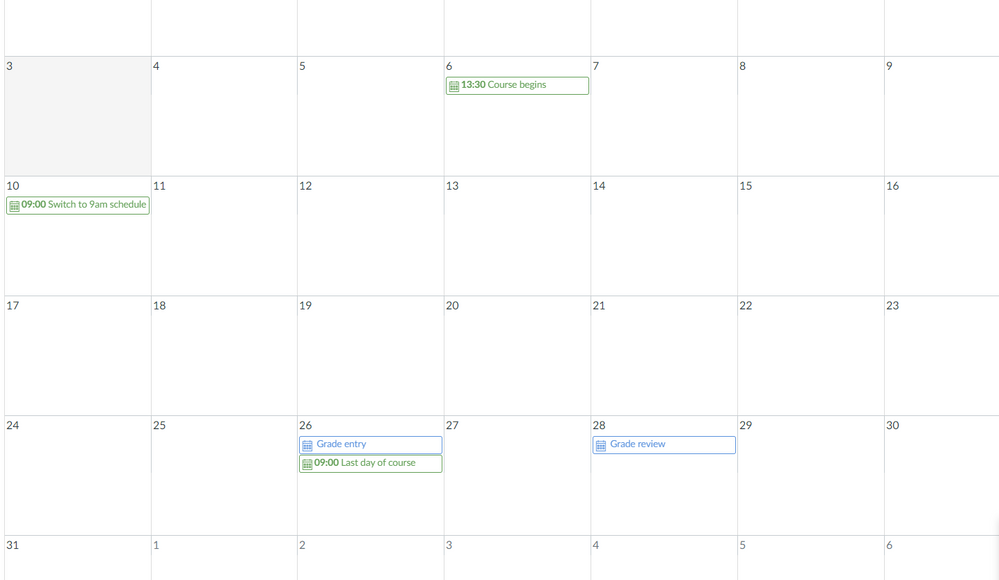
Time zone settings are set by the individual. Have your students check their time zone setting. If you set the course to their time zone, and your students have set a different time zone then the dates and times would be wrong. I would bet their account was set to the default time zone for your institution. Which is causing the issue.
I had this issue with a student, once she figured out how to set her time zone, everything was correct.
My recommendation would be to set the course for the time zone of the institution and for every individual to set their time zone to the zone they are in, and be very clear with students about dates and times. I would add the time zone indication to any posts, announcements or pages listing due dates. For example, Assignment #1 due June 14, 10:00 PM CST.
https://community.canvaslms.com/t5/Student-Guide/How-do-I-set-a-time-zone-in-my-user-account-as-a-st...






This discussion post is outdated and has been archived. Please use the Community question forums and official documentation for the most current and accurate information.