The process sounds tedious, (two monitors would make it a bit easier) but here goes:
Choose one of your videos in Vimeo and go to "Share," then "Show options" and choose the video size and any other settings that you might want, and have it generate the embed code for this video. It would look something like this:

Copy this iframe code somewhere, where you can easily copy-n-paste it.
Is it easy to see a list of all your videos in Vimeo (like a channel in YouTube)? If so, click on a video and copy just the video ID from the URL. You would replace the generic ID, in yellow above, with this video ID.
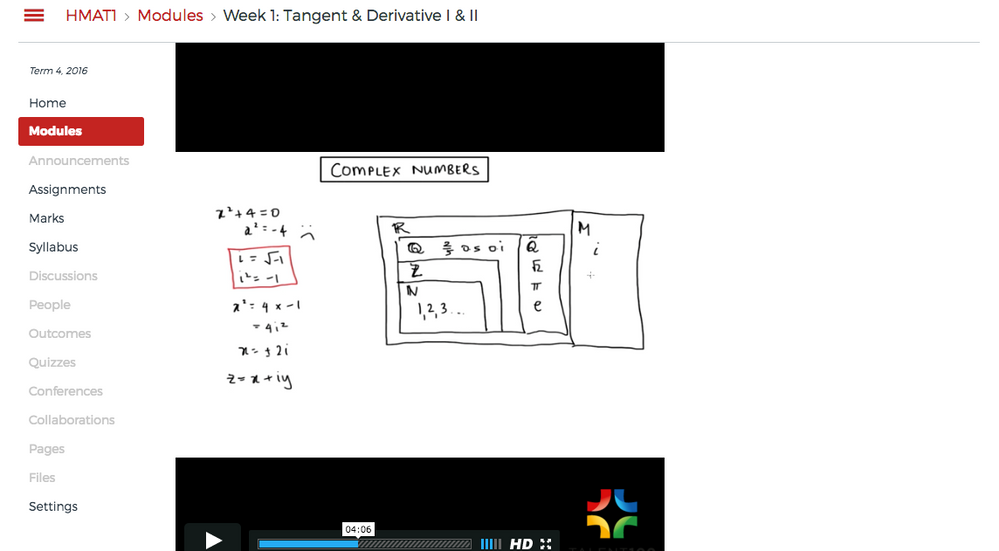
Go to each course, and Modules. Click on "Add Content Page" and click on "New Page," and name it your preferred "Page Name." Once added to the module, click on the item name, "edit," switch to "HTML Editor" and copy-n-paste your iframe code. Replace the video ID (highlighted in yellow above) and "Save & Publish." http://screencast.com/t/Ly1Sk2GxvEF This part of the process takes about a minute per video.
---
Do the videos go in the same module in each course? Is there just one video per module, or one video per course? Could you create a dummy course with just one Module and put your default iframe embed code there, and import this course (with just the one video item in it's module) into multiple courses more quickly than you can "Add Content Page" manually to each course?
---
Could you generate the iframe embed code for all the videos and have your faculty do the page creation & pasting the code you send them? That way you are sharing the responsibility for the process but assisting with the confusing part also.









This discussion post is outdated and has been archived. Please use the Community question forums and official documentation for the most current and accurate information.