For some reason, when I access Canvas on Chrome on my office desktop I am getting what looks like the mobile version which is annoying because I do not have easy access to the sidebars on the left:
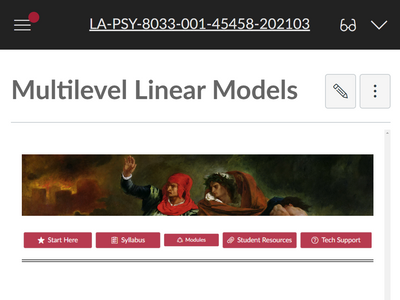
(note this also occurs when I open an incognito window on Chrome)
However I can get the desktop version on Firefox for some reason:
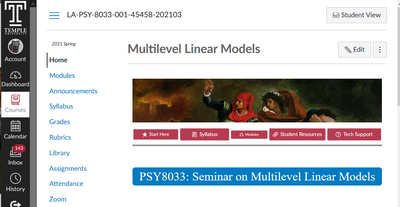
I have been working with Canvas on Chrome for a while now and this just started happening. I assume I must have accidentally toggled a setting in Chrome to get the mobile version. I tried the "Device Toggle Toolbar" in Chrome but that did not work, all it did was shrink the website to phone size. Any suggestions?




This discussion post is outdated and has been archived. Please use the Community question forums and official documentation for the most current and accurate information.