The Instructure Community will enter a read-only state on November 22, 2025 as we prepare to migrate to our new Community platform in early December.
Read our blog post for more info about this change.
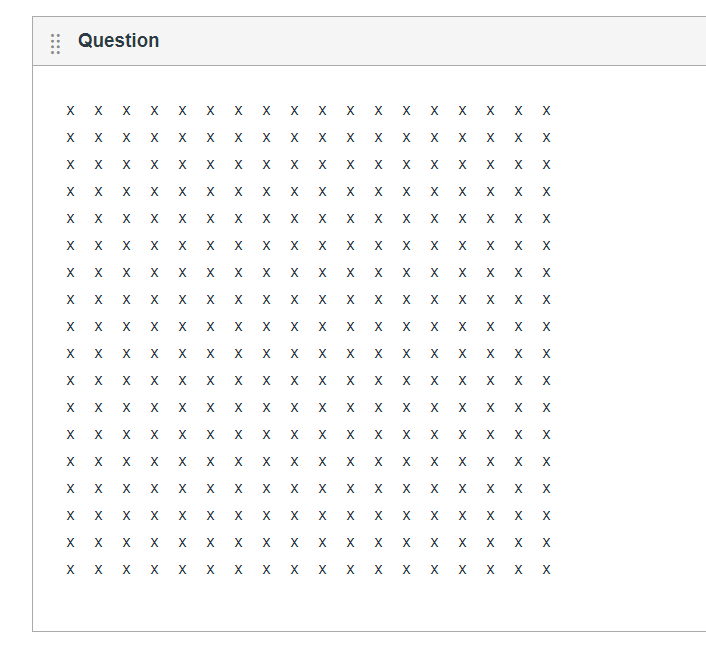
I am attempting to create a table in quizzes. The table needs to be 18 by 18, the cells are equal size. I have edited the html code to try to create a table of this size. I get a warning that the question exceeds the max size (16384). Below is the code for one row. How do I fix this?
<tr style="height: 24px;">
<td style="width: 5%; height: 10px;"></td>
</tr>

Greetings @macatck ,
How much content is in your table? I'm able to make an 18x18 grid in a quiz question with just one character in each cell.
I forgot to mention that an 18x18 table with one character in each cell is very near the maximum 16,384 character limit of the question with your style code. That character limit is counting each character of the html, of course.
Matt, I am attempting to provide a table with blank cells that the students would copy into their answer and then write either a zero or one in the cells. I do have additional text giving them the binary math problem they are to answer.
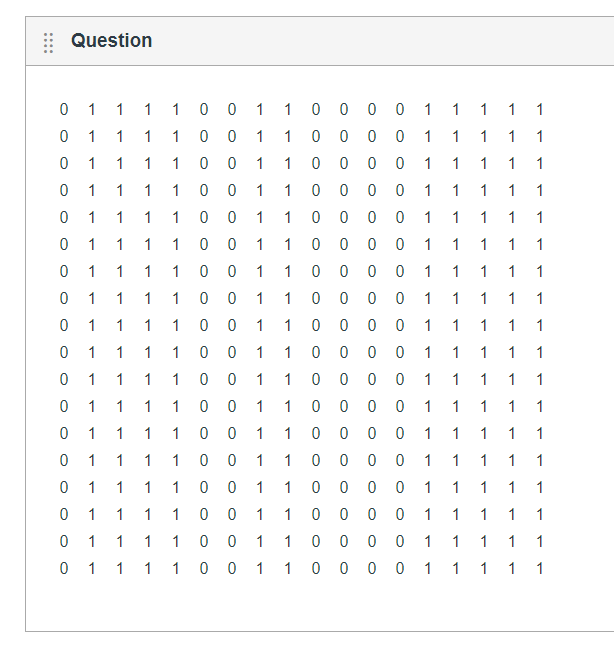
@macatck , if you remove the styling for height, you should have enough characters left over to fit everything. If I do the following code 18 times, it takes around 11,000 characters and looks like the picture below.
<tr>
<td style="width: 18px; ">0</td>
<td style="width: 18px; ">1</td>
<td style="width: 18px; ">0</td>
<td style="width: 18px; ">1</td>
<td style="width: 18px; ">0</td>
<td style="width: 18px; ">1</td>
</tr>
The width is actually redundant after the first row.
When I make my first row all <td style="width: 2em;"></td> and all the other rows just be <td></td>, it came out to 3877 bytes for an 18x18 table. There are no heights at all specified in there. The 2em is arbitrary. You could do 1em and probably be fine.
If you want specify heights, then put them on the tr element and leave them off the td elements. When I added style="height: 10px;" to all my tr elements, it increased the size to 4273. I don't like forcing heights, but it is really small if you don't. I'm not sure 10px is enough to enter their values, but I'll leave that to you. I'm just trying to save bytes.
Community helpTo interact with Panda Bot, our automated chatbot, you need to sign up or log in:
Sign inTo interact with Panda Bot, our automated chatbot, you need to sign up or log in:
Sign in
This discussion post is outdated and has been archived. Please use the Community question forums and official documentation for the most current and accurate information.