@whitney_plein There are two things to look for/at. As the Admin, go to your Admin page, then "Settings", and the "Feature Previews" (used to be called Feature Options) tab. The third from the bottom one in the "Course" area is "New Quizzes". You just want to make sure that this is unlocked or if you want to turn it on for all faculty you can check the red X and make it the green check.
If you just make sure it is not locked then this allows faculty to turn it on at the course level. This is how we have things setup. For them, the steps are almost identical. Go to their course settings, Feature Previews and the second one from the bottom is New Quizzes, click to change it from a red X to a green check
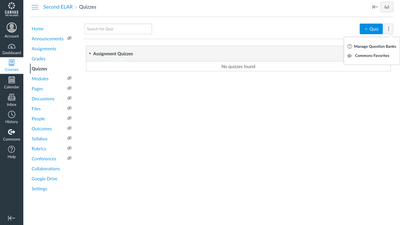
After it is turned on, when faculty click to create a new quiz, they will get asked if they want a Classic Quiz or a New Quiz.
Hope this helps!
-Nick






This discussion post is outdated and has been archived. Please use the Community question forums and official documentation for the most current and accurate information.