@tiffanyheggeman ...
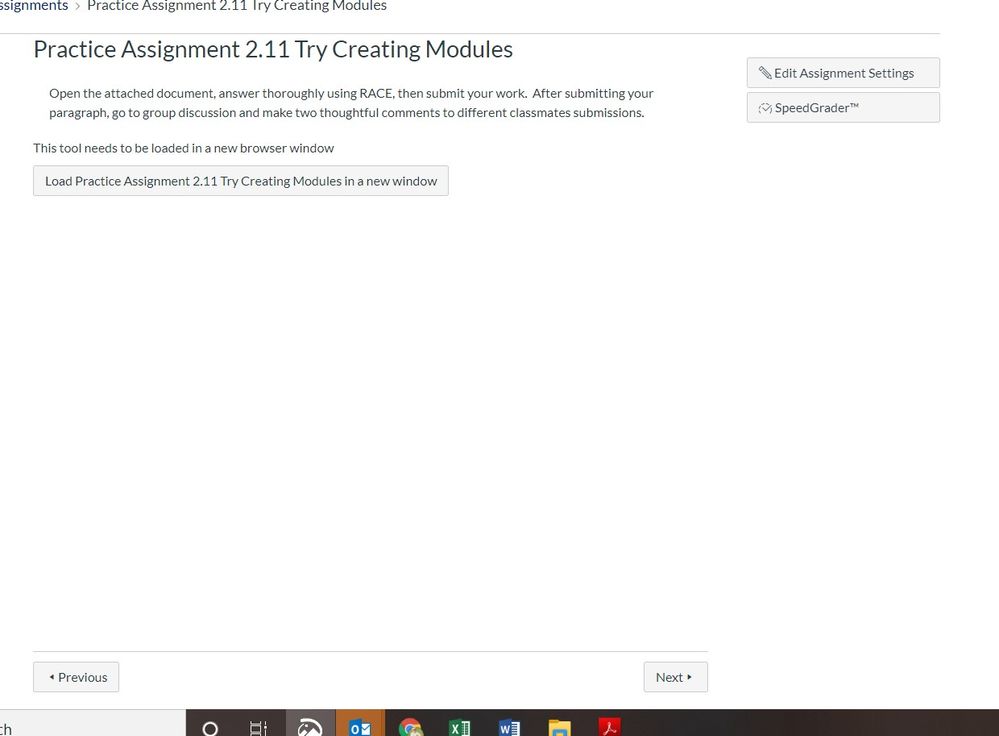
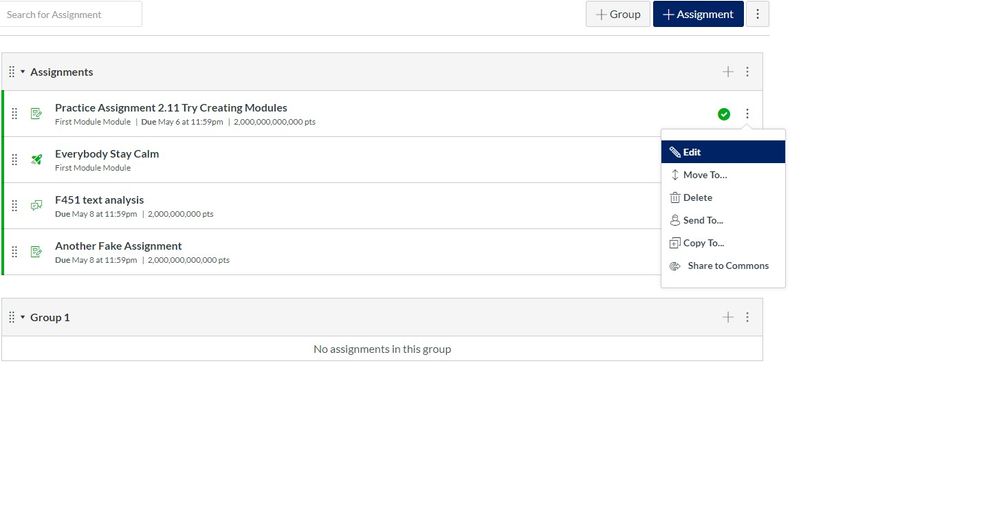
The information that erinhallmark gave you with the link to the "how to" Guide is what you'll want to look at. As the illustrations show in the linked Guide, once you are on the "Assignments" page, you click on the name of your assignment...not on the three-dot kebab icon as you're showing in your screen shot. Once you click on the name of the assignment, the "+ Rubric" button will be displayed at the bottom of the screen. Again, refer to the screen shots within the Guide that Erin linked to. This is also described in this short tutorial video: ... start at the 1 minute 30 second mark.
I hope this will help, Tiffany. Sing out if you have any other questions about this. Stay safe, and be well.




This discussion post is outdated and has been archived. Please use the Community question forums and official documentation for the most current and accurate information.