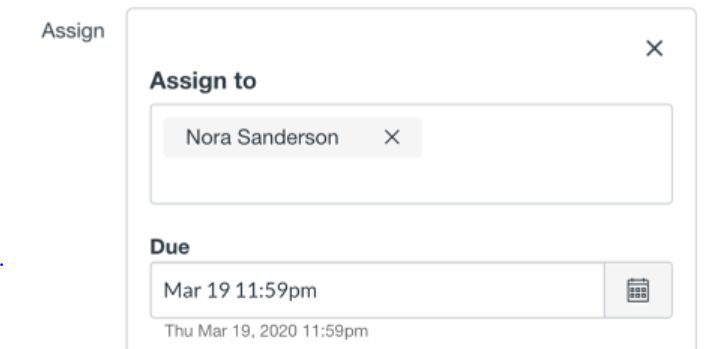
That is a tricky case. I don't believe it's possible to do what you are asking, but I'd think the order of the students should stay consistent. So you might need to do a test assignment to figure this out, but here is what I'd do. Create an assignment and type in the student's name to add. When it shows the student's name twice, pick the first one (top of list) and then ask them who was added. You'd also be able to figure this out without asking by looking in the Gradebook. For the student assigned there will be a dash with the ability to enter a grade, but for the other student there will not be a dash since the assignment is not assigned to her. Once you figure out who is first make a mental note of it and you should be good.
I've run into a case like this a few times and it is actually possible to have one of the students (or an admin might need to do it) change their Display name in Canvas. Names are important though so I'd never make that suggestion unless one of the students already has a regular nickname and didn't mind having it display differently in Canvas.
Rick





This discussion post is outdated and has been archived. Please use the Community question forums and official documentation for the most current and accurate information.