Thank you for your reply, Ken.
I do understand the difference between the submissions options and the instructor accepted both methods; however, where I believe the is glitch occurring is when the instructor goes to Feedback Studio to view the submissions.
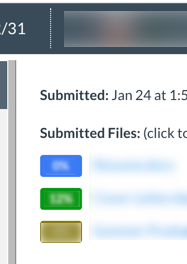
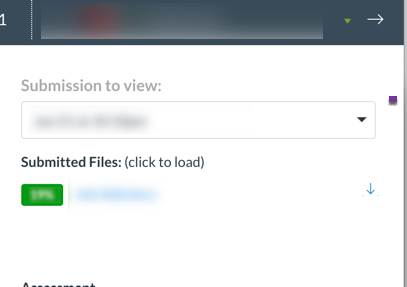
In the case where a student adds multiple files at once, it doesn't seem to matter which score the instructor clicks on (from the list of the three submissions) because it always opens up the same submission in Feedback Studio. I've talked to Turnitin and their support confirmed that it will only open the same submission in Feedback Studio but there should be a way to scrub between the submissions for that individual student. In this scenario, it is showing 83 of 99 submissions instead of 1 of 3 submissions, making it hard to review all three of the students submissions together because they're scrambled in the full list of all student submissions.
UPDATE....
I got a response from Turnitin and for anyone wondering or anyone who comes across this because they're experiencing the same issue, this was the information I received (as of February 12, 2020):
Our engineering team is aware of the issue in question and they are working with Canvas to resolve it as soon as possible. Unfortunately, we do not have a date when the fix will be released.
All the latest feature releases and bug fixes for Turnitin and its integrations can be found here.
The suggested workaround, for the time being, is to access the correct papers using the navigation arrows through the viewer as I have previously provided in my screencast.
Unfortunately in our case, the screencast provided showed that clicking on a submission and viewing submissions by one student didn't actually work in the same way in our instance, rather, it just populated a huge list and student submissions were not organized by student. I asked the instructor to login through the turnitin.com website and view the submissions because at least it can be organized alphabetically by student name.





This discussion post is outdated and has been archived. Please use the Community question forums and official documentation for the most current and accurate information.