Good morning, @JordanBaysore ...
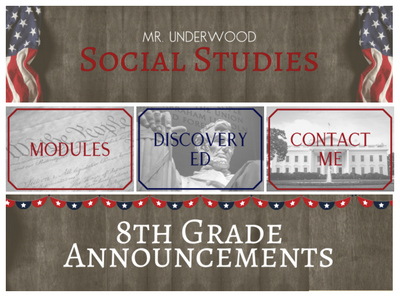
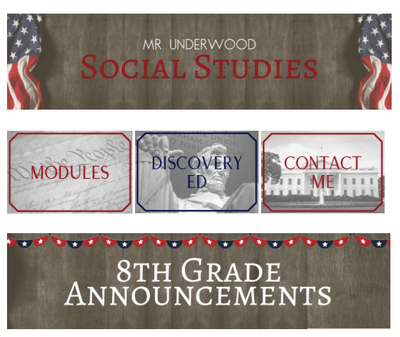
Normally, tables are used to hold data, but I do recognize that some folks like to use table for layout purposes as they are designing their pages. Have you tried any options that do not use tables at all? Here is what I am envisioning...
- Your top and bottom banners are a fixed height and width. (For example, 200 pixels high, 900 pixels wide)
- Your three image buttons in the middle row are also fixed in height and width. (For example, 200 pixels high, 300 pixels wide)
Once you have those images read to go, create your page without tables...first add the top banner, then add the three button images side-by-side in the next line, and then the bottom banner in the next line. To avoid some of the white space that is normally placed after you hit Enter, you may be able to press Shift+Enter after the top banner and after the third button in your middle row.
Do you think this might be an acceptable work-around for your needs?




This discussion post is outdated and has been archived. Please use the Community question forums and official documentation for the most current and accurate information.