EquatIO, which is a game changer for math and science teachers and their students who want to create accessible (read aloud) digital math, now integrates with Canvas in two ways.
EquatIO LTI
With the Equatio LTI installed, inserting math and science items can be accomplished using the Rich Content Editor. Below are instructions how.
To get started, simply click the EquatIO icon in the apps section of the Rich Content Editor.
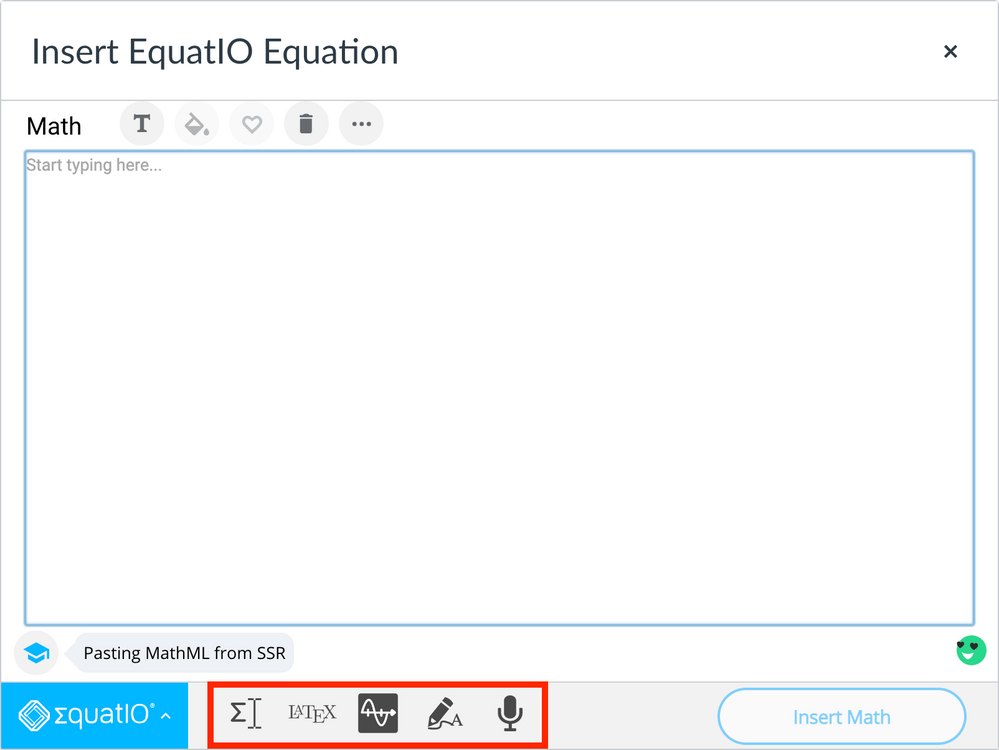
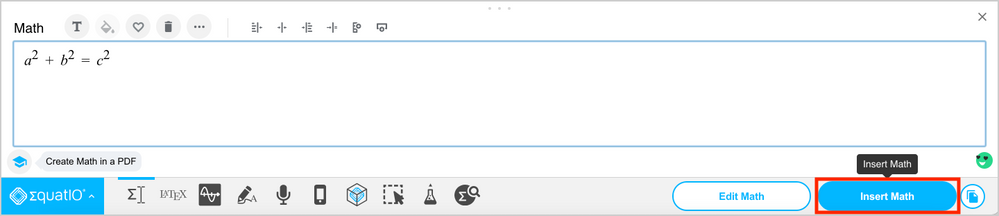
On the Equation window, create sophisticated math and science notation using one of the built-in tools (Equation Editor, LaTeX Editor, Graph Editor, Handwriting Recognition, Speech Input).
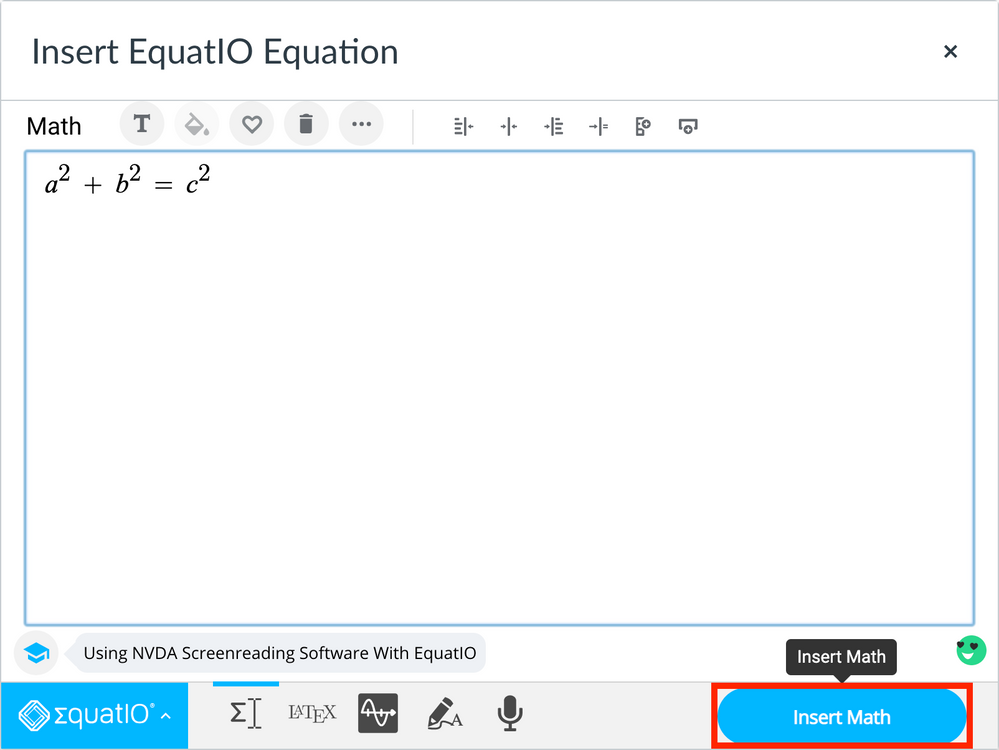
Click Insert Math to add the equation to any announcement, assignment, discussion, content page, etc.
EquatIO Web Toolbar
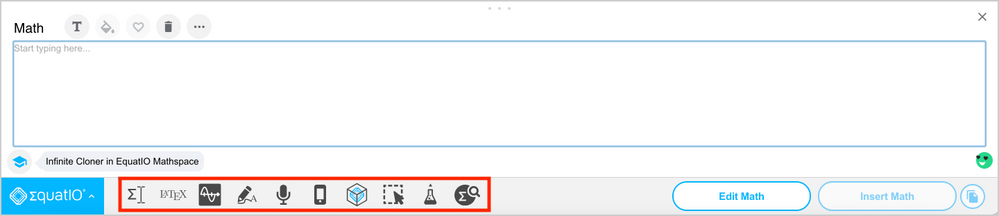
In addition to the tools available with the EquatIO LTI, the EquatIO Web Toolbar also includes EquatIO Mobile, Insert mathspace, Screenshot Reader, STEM Tools, and Discoverability. And, the web toolbar works with New Quizzes! Below are instructions on how to use the web toolbar.
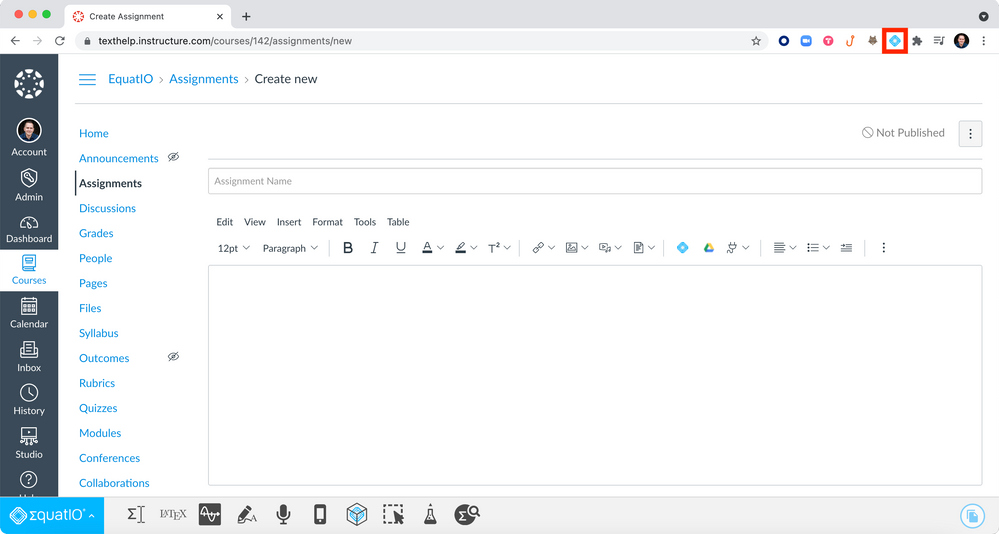
Click on the EquatIO extension to load the EquatIO Web Toolbar.
On the Equation window, create math and science notation using one of the built-in tools.
Click Insert Math to add the equation to any announcement, assignment, discussion, content page or quiz.
To see both integration methods in action, check out this video below.
For more information about the EquatIO LTI or EquatIO Web Toolbar, please contact Louis Shanafelt.
Excited for this to happen! Will this require a Texthelp Equatio paid subscription or will it work as it does on the web with teachers receiving free premium accounts and students having free accounts with fewer features?
The integration is distinct from the web offerings in that it is solely a domain-wide premium component. So, it must be installed on the whole domain and requires a domain-wide premium license.
Aurelien Mansier is the Director of Implementations, and leads a team of project managers and technical consultants in North and Latin America. He excels at creating, refining, and/or scaling processes and procedures for maximizing efficiency while delivering the best possible customer experience during a technical implementation. In his 8 years at Instructure, Aurelien has held many roles including Sr. Manager of Implementations, Team Lead for Project Consulting, Remote Administrator, and Project Consultant. Before joining the Instructure team, he was the Program Lead for the Engineering Academy at one of the largest K12 school districts in the country. Aurelien earned both of his degrees from the University of Florida. He holds a Bachelor of Design in Architecture, a Master of Business Administration, and is a Project Management Professional (PMP).