Hello Jeffrey.
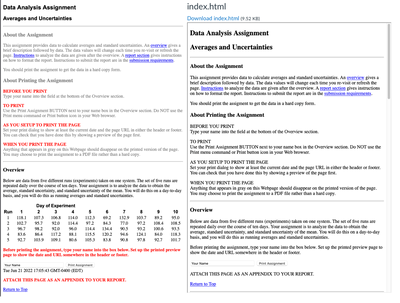
I do what you are asking for frequently. If the web page works locally, it should work from Canvas Files with no changes (including the css and js files). If you want it embedded, then use an iframe, but otherwise a regular link works OK. Here's how I do it.
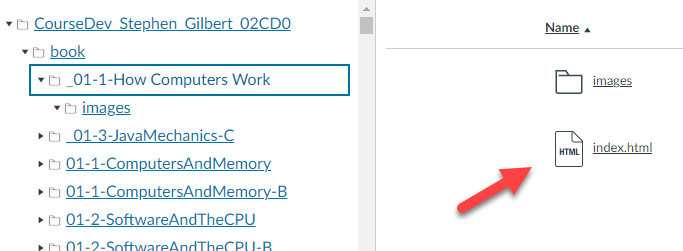
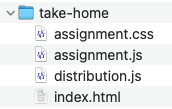
First, I upload the folders with images, html and css. You don't see the css in this picture because I use the same css for all of the pages, so I use a relative URL ../cs170.css. If I click on the link for index.html, it shows me my page, along with all of the css. If that doesn't work, then linking to it will not work.
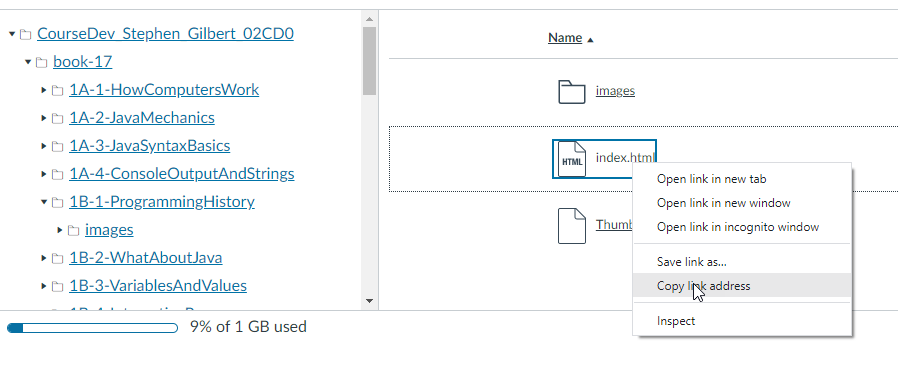
Second I right-click the index.html in Files and save the URL.
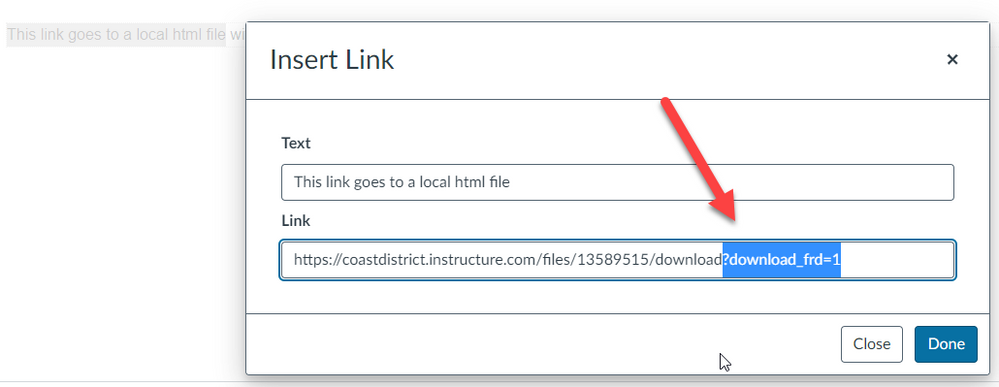
Third, I create an external link and paste the saved URL, removing the query string (the ? and anything following that).
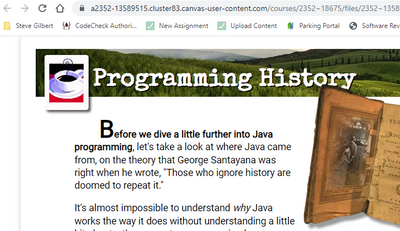
 Now, clicking the link will open the page in a new tab with all the CSS displayed. If you want to show it inside Canvas itself, just add an iframe in the Assignment instructions, remembering to remove the query string when you paste in the URL.






This discussion post is outdated and has been archived. Please use the Community question forums and official documentation for the most current and accurate information.