Hi traciebosket,
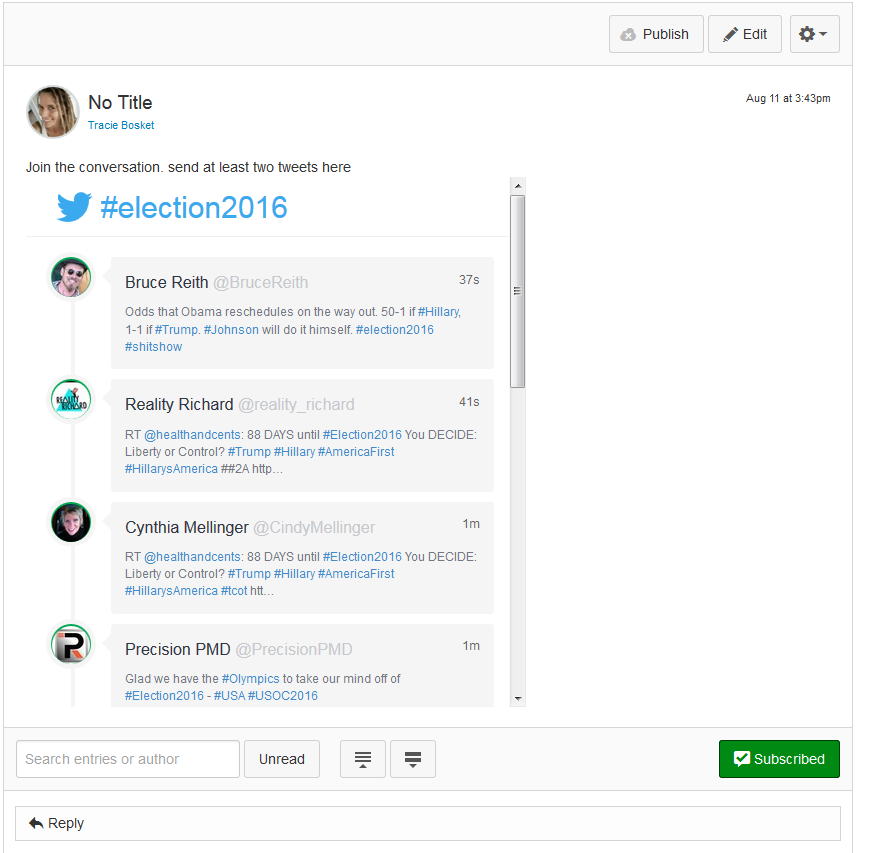
Personally, I'd have them watch the tweets and comment in my discussion board for credit. Maybe with some guidelines, of how to best analyze responses or depending on age level a classification of relevance to the topic thread.
It has come up a couple of times, integrating social media into Canvas. There are not any direct integrations with a number of social media platforms; so bringing in Pinterest boards or including images/videos from SnapChat or Instagram, not quite as easy as forming an assignment that utilize the similar skill set based off those social media platforms.
Some ideas are to utilize discussion boards in a similar fashion to the Social Media that students are using. Have them "tweet" responses to the twitter feed using the parameters of 140 characters. Have them create a 30 second video or a 15 second video explaining the concepts you are looking for. Enable liking so that it has that "feel" that the media rich student is familiar with. Maybe have students create infographics in response to different concepts that you are bringing in.
As far as activities go, the best way to think of which Canvas tool to use, think of it as do I (the teacher) want to be the only one who sees their product or do I want them all to see the product? If everyone can see the product, make it a discussion, if you want to be the only one, make it an assignment. 
Hopefully this helps a little bit! I'm happy to chat more about ideas with parameters of social media any time!
Thanks,
Leslie















This discussion post is outdated and has been archived. Please use the Community question forums and official documentation for the most current and accurate information.