Hi there @SimonssonMagnus ...
@Ron_Bowman is correct about TidyUP. Here is a sample from my own sandbox course:
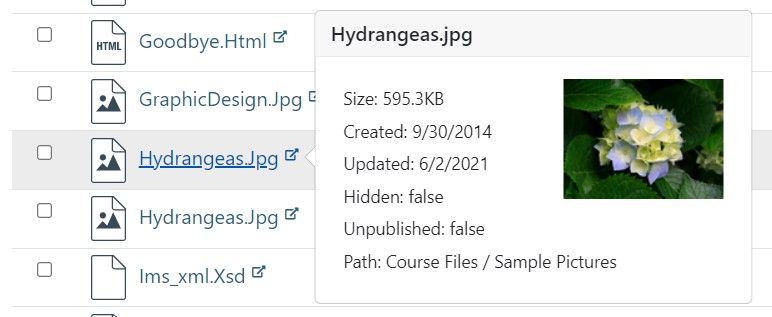
As you can see, after I run the TidyUP tool in my course, it will display a list of all the files in my course. This particular JPG image, "Hydrangeas.Jpg" is located in course "Files" within the "Sample Pictures" folder. If this file was buried in additional folders...several levels deep, it might look like this:
Path: Course Files / Sample Pictures / Plants / Flowers
I also recently learned that, although it is a search tool which includes searching for files, the Atomic Search LTI external tool does not currently show you the path to a file in your course "Files".










This discussion post is outdated and has been archived. Please use the Community question forums and official documentation for the most current and accurate information.