When we first transitioned to Canvas, we were told that file storage capacity was a non-issue, and we took that to heart. We currently have several classrooms set to 2500 MB, and a few that are higher.
As Ira demonstrated above, simply go into the course Settings, and raise the bar!
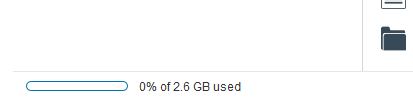
It may be that Canvas has actually set a practical limit of 2.6 GB, as noted by a small entry at the bottom of the Files Manager in a course as shown below...
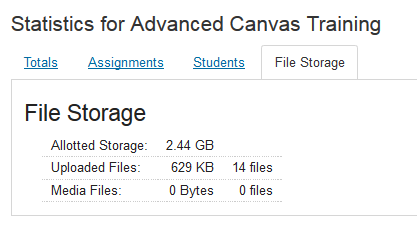
Then on the Course Statistics page, you will see the max listed as 2.44 GB as shown in the image below...
I hope this relieves any anxiety about raising the limit in a classroom.

.png "Gina_Hutchens")








This discussion post is outdated and has been archived. Please use the Community question forums and official documentation for the most current and accurate information.