We use the course settings to hide course material in courses that instructors want temporarily unavailable. The trick is to set an "End Date" in the course before the test date/time, check that "Users can only participate in the course between these dates" and check the "Restrict students from viewing course after end date" boxes. Then, remove the end date and change the visibility settings back again after the exam period. We have never had any issues with this workaround, but I would love to hear if anyone else has a more elegant solution.
Refer to these help topics:
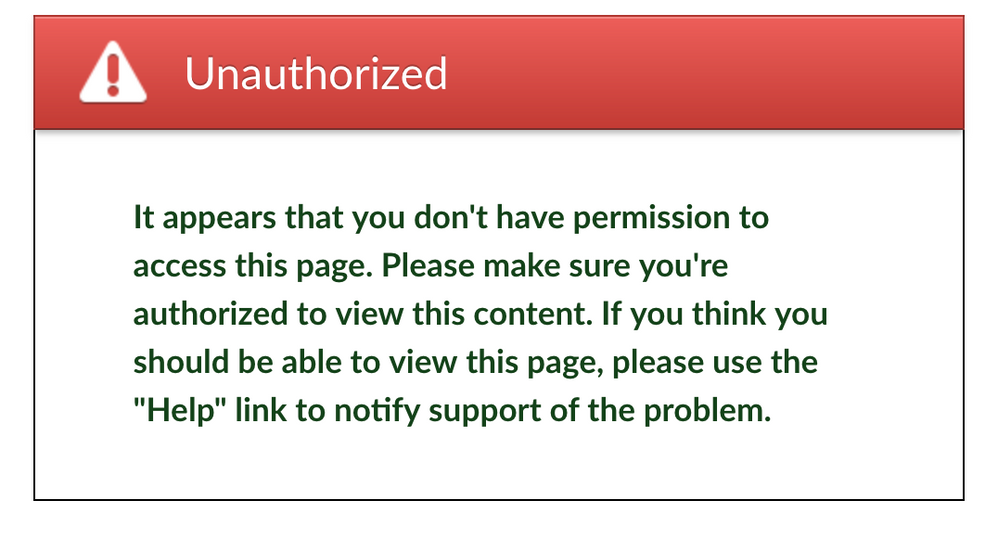
Students get this error message:
This workaround only works for paper exams. The entire course is unavailable during the time you have these settings activated.








This discussion post is outdated and has been archived. Please use the Community question forums and official documentation for the most current and accurate information.