Jason,
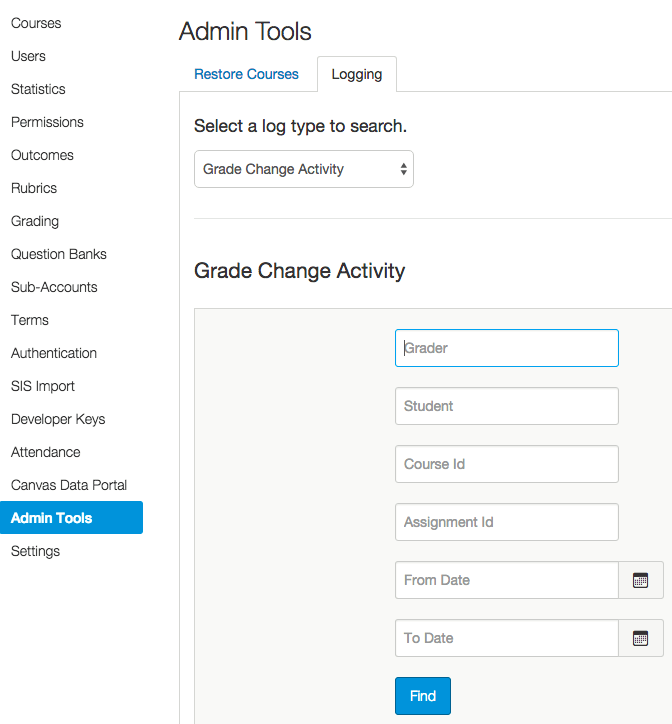
I occasionally get messages from my teachers that grades suddenly change, or worse, disappear after entering them. It is really one off situations and there seems to be no pattern, nor can I replicate the issue. I do use the admin grade logging feature that Chris mentioned and almost 100% of the time it shows that the grade was never changed or recorded, so that leaves me largely with user error. Teachers of course don't want to hear that as they do their best and get frustrated when Canvas doesn't behave as it should. I've put out a little check list that helps ensure that grades "stick" in Canvas. I know that is a little different than what you are saying that a grade entirely changed, but this may help. Your track pad observation is interesting and could well be a contributor. Since I put out this checklist, issues have not been eliminated, but have decreased. I think teachers are just moving fast through the gradebook and things change or don't always stick.
- Close the SIS before doing grades in Canvas. The SIS has a time out function which can in rare cases interfere with Canvas. (We have an SSO)
- Refresh your screen in Canvas just before starting to enter grades to ensure you are still connected and logged in.
- As you enter grades for a given course / student, press enter as you move from student to student instead of clicking to the next student.
- Do not change sections of a course or change courses completely until you have clicked out of the cells where you are entering grades and have clicked refresh to
ensure they are there. - When you are done entering your grades, or at a point during entering grades, refresh your browser gradebook screen to ensure that the connection is still good and the grades have taken.









This discussion post is outdated and has been archived. Please use the Community question forums and official documentation for the most current and accurate information.