Hi @cduke, thanks for your question! The workflow for appointment groups should allow you to set office hours that display for all your courses. When you are setting up the appointment groups you need to select the course calendars twice:
1) From the Calendar Tab before you add a new event on the right hand side of the page:
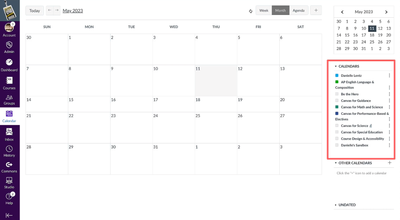
2) Then again from the Edit Event pop-up when you are creating the Appointment Group:
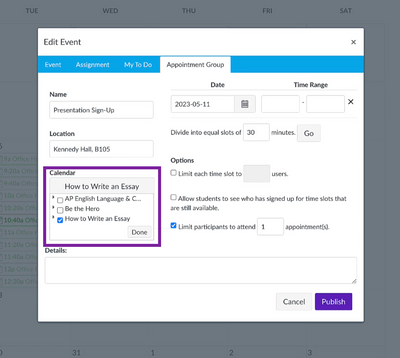
Assuming your courses have been selected in both those areas, all your students should be able to see and schedule appointments. Dear Danielle created a great video on Appointment Groups/Office Hours, which I also suggest checking out for additional tips! I hope that helps!