Hi @JensRohleder
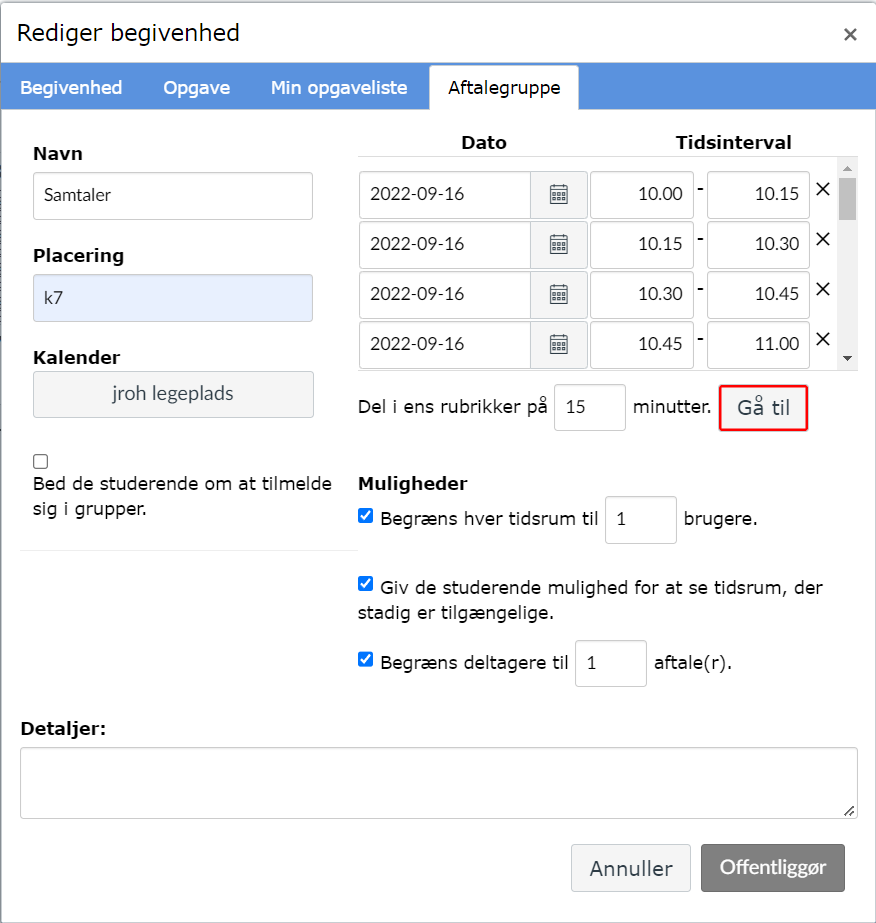
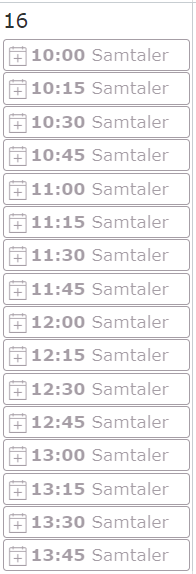
From the screenshots you sent, it seems your appointments were created correctly.
It is normal for them to show greyed out. they only show a solid color after students sign up to them.
You can see it in this guide:
How do I add a Scheduler appointment group in a course calendar?
"Time slots that have been reserved by students will show as a solid color."
Since the appointments have been set up correctly, make sure that students go to their calendar, and then select "find appointments" on the right to be able to find the appointments.
If they don't select that, they won't see the slots.
Here is a guide with the steps they need to follow to sign up
How do I sign up for a Scheduler appointment in the Calendar?
Thank you.