Hello @TangierClarke
Thanks for posting this in the Global Canvas Community!
I know that there are certain types of video formats that can be previewed in Canvas. HERE is a guide I found on that. They also list that 'If you upload a file that is not supported by the Canvas media player, you can have users download the file to view outside of Canvas'
The Canvas guide lists that the following video formats are supported for playback:
FLV – Flash Video
ASF – Windows Media
QT – Apple QuickTime
MOV – Apple QuickTime
MPG – Digital Video Format
MPEG – Digital Video Format
AVI – Digital Video Format
M4V – Digital Video Format
WMV – Windows Media
MP4 – Digital Video Format
3GP – Multimedia Mobile Format
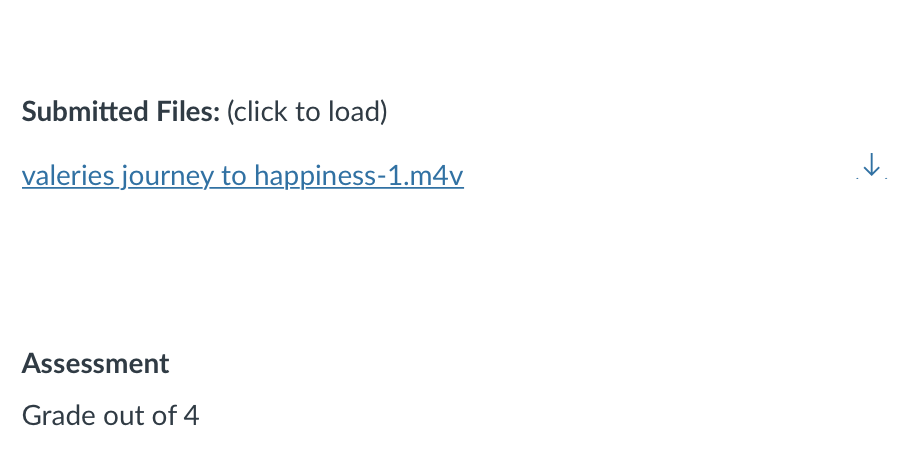
When you go to speedgrader after the students have submitted, do you get an option that says Click Here To View? or is it forcing you to download them?