What data is available for Students in Need of Attention?
Students in Need of Attention helps identify and monitor students who may be at risk. It provides a dashboard with key metrics about the student population and their overall academic performance. From the overview, you can access and download detailed lists of the identified students and the specific courses where they are struggling, and also investigate individual student records directly.
Note: A new Translations feature is now available. It provides a more complete and accessible experience for non-English speaking users. It ensures that data visualizations are clearly and accurately understood, enhancing usability and consistency across all charts and tables.
What data is available for Students in Need of Attention?
1. Students in Need of Attention

2. Number of Students
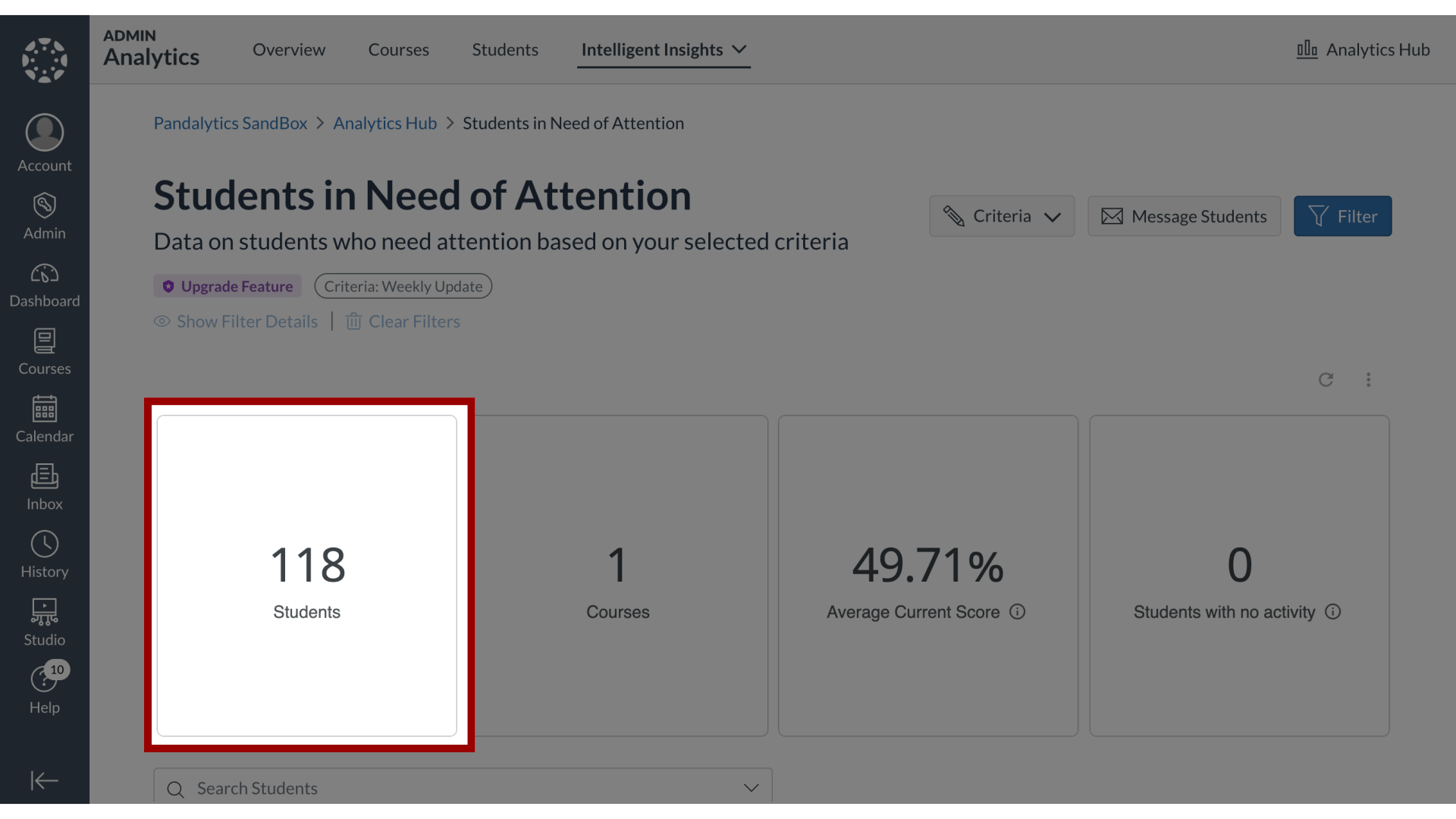
3. Open Students Table
To view the students that meet the criteria for Needs Attention, click the Students number link.
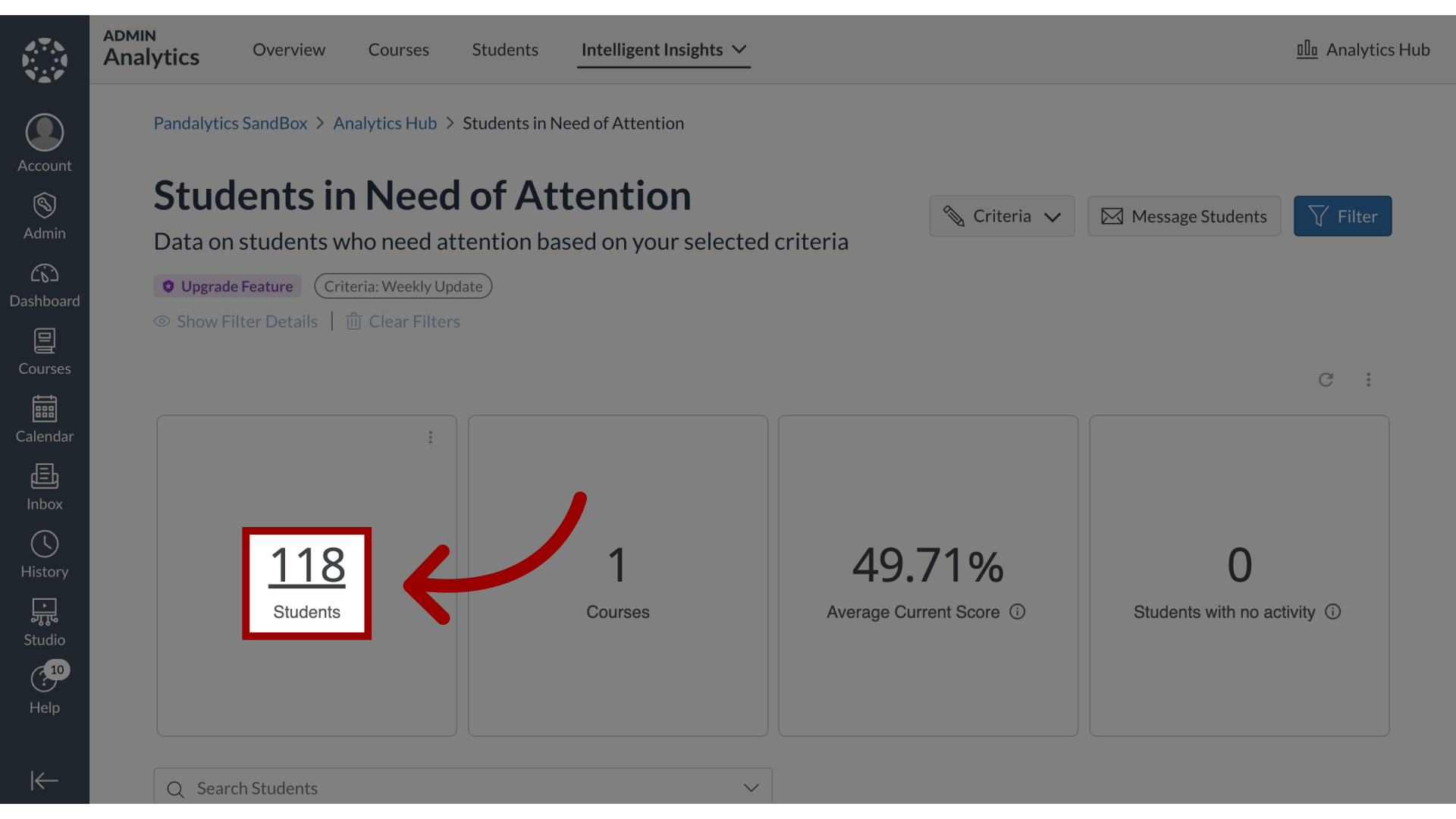
4. View Students Table
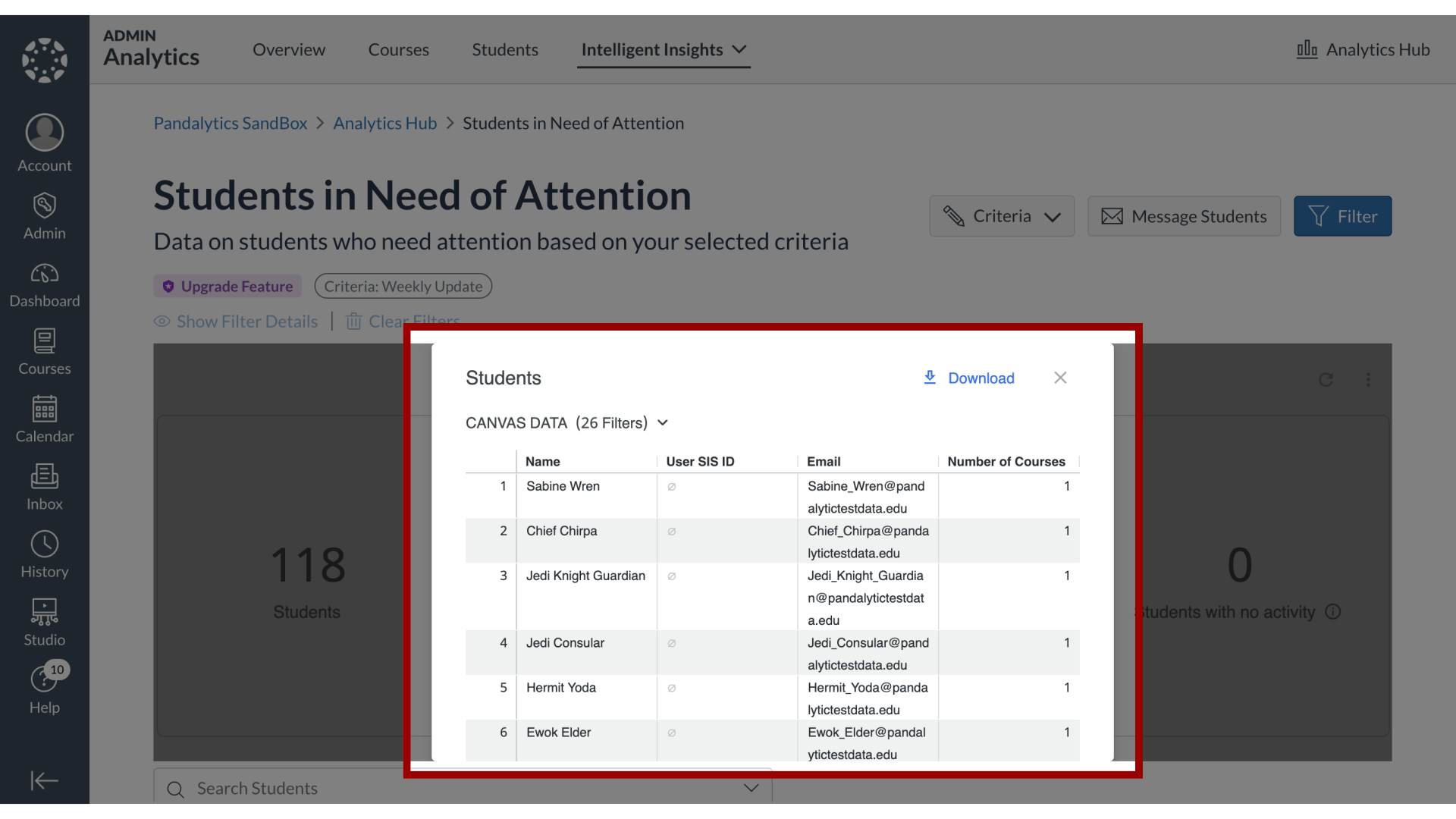
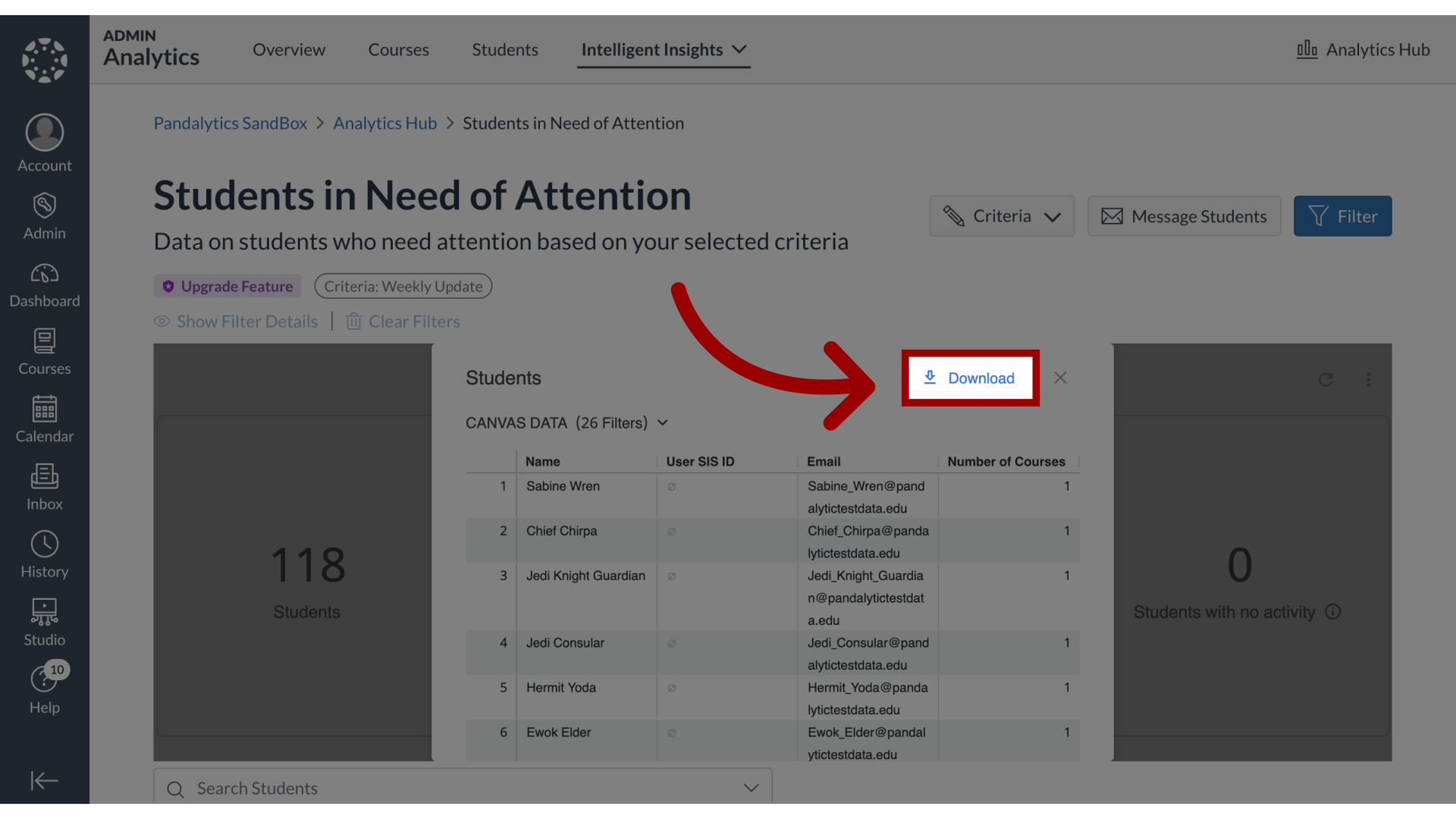
5. Download Students Table
To download the table, click the Download button.
6. Number of Courses
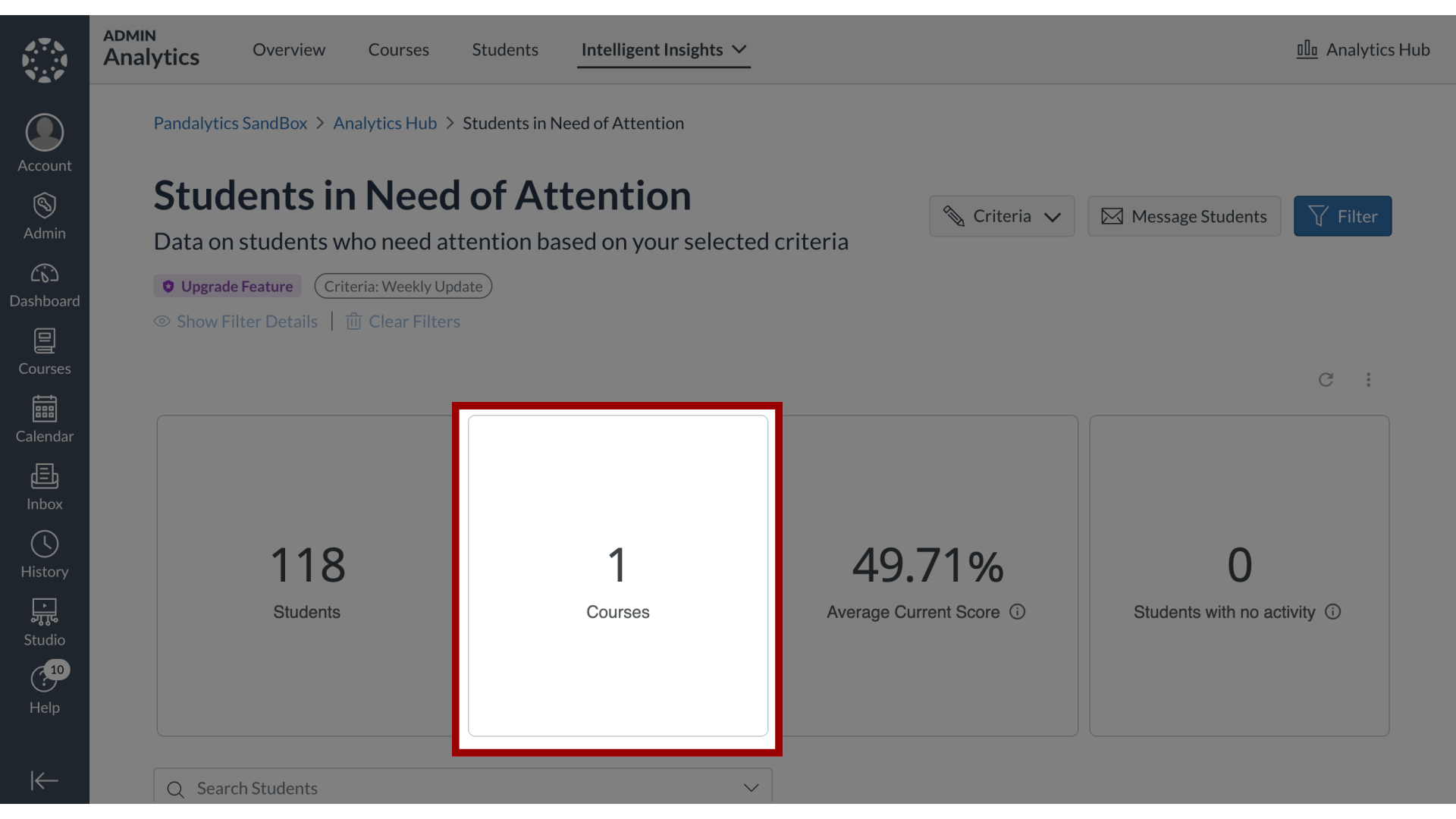
7. Open Courses Table
To view the courses that meet the criteria for Needs Attention, click the Courses number link.
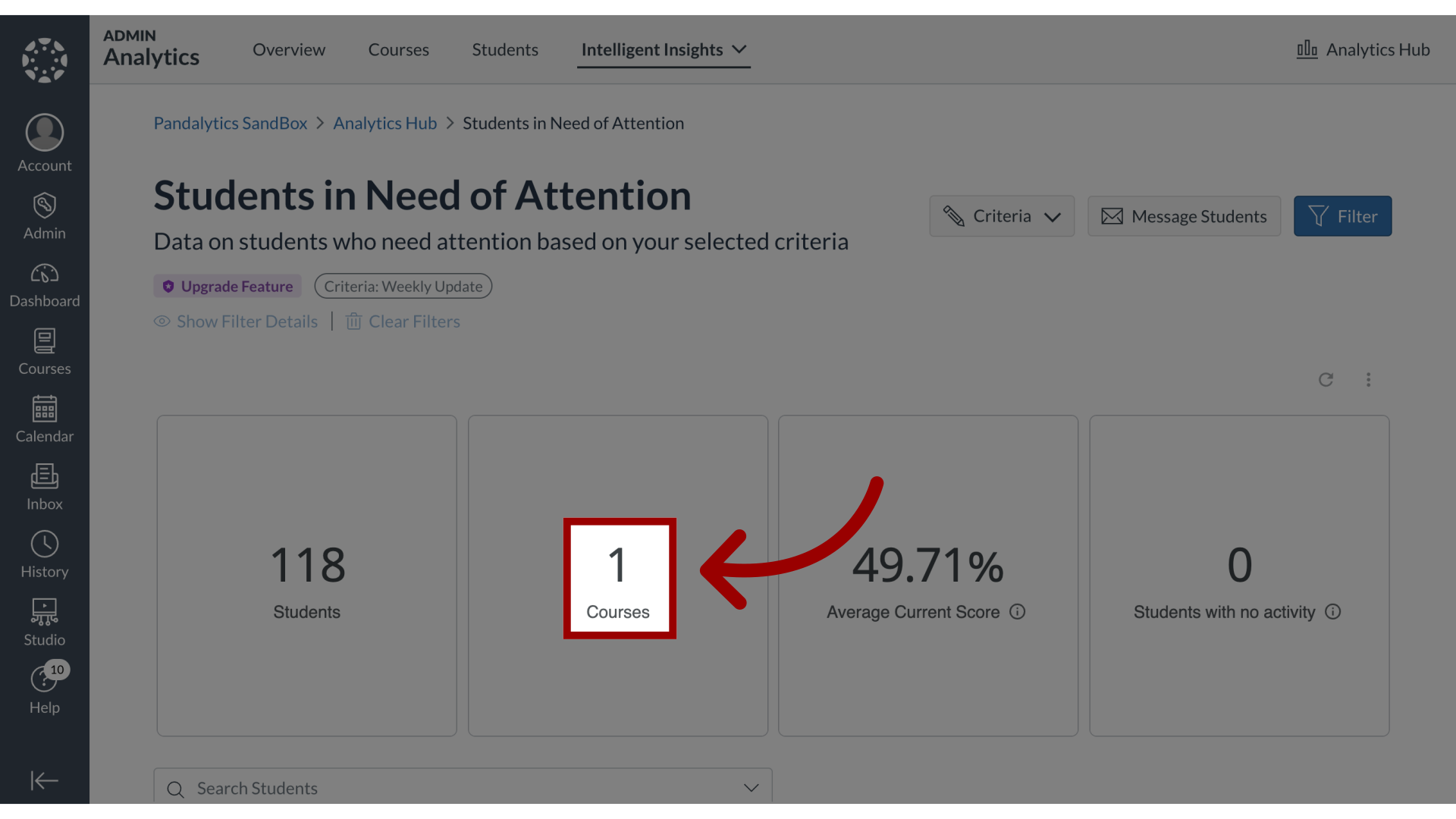
8. View Courses Table

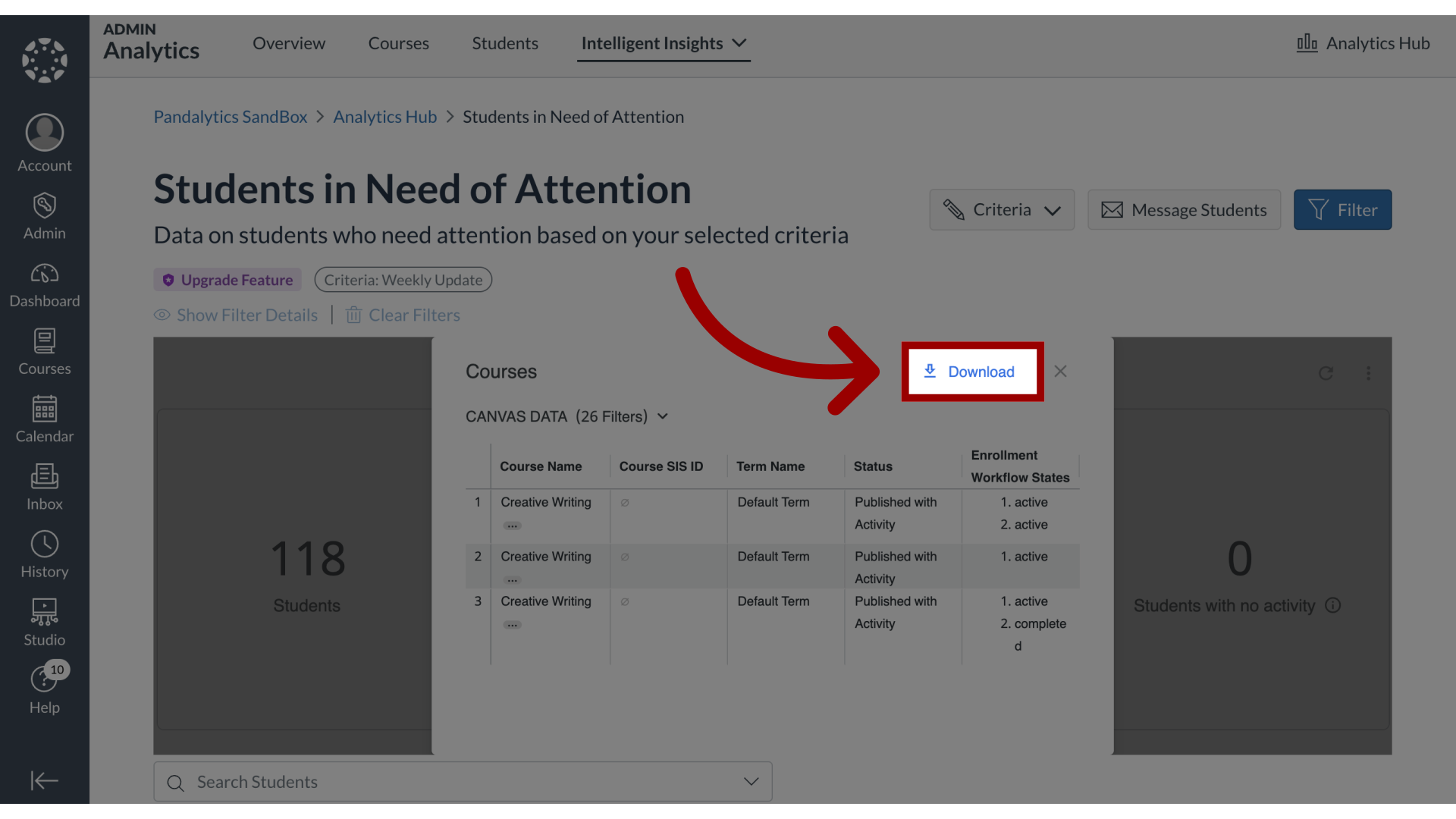
9. Download Courses Table
To download the table, click the Download button.
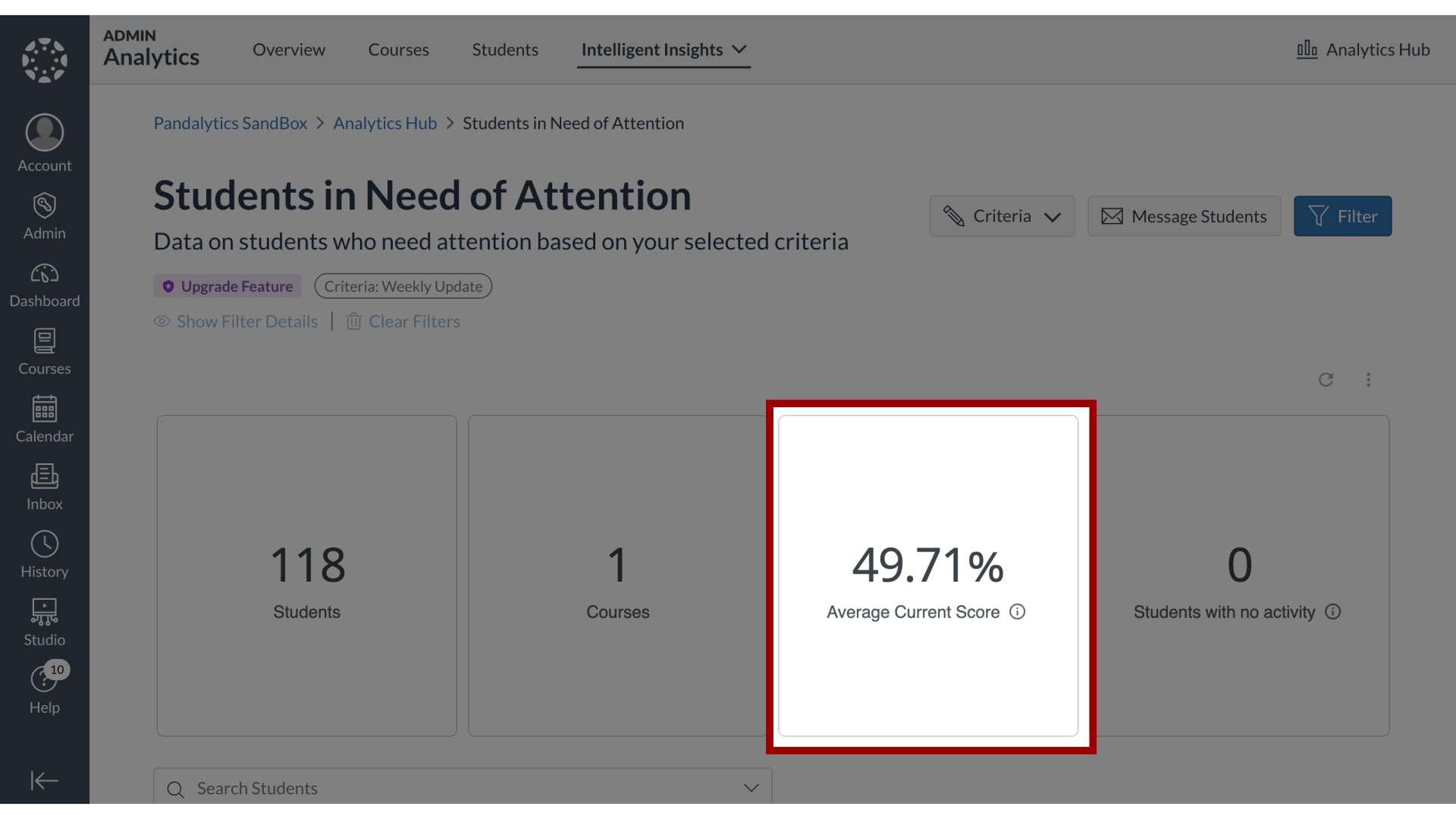
10. Average Current Score
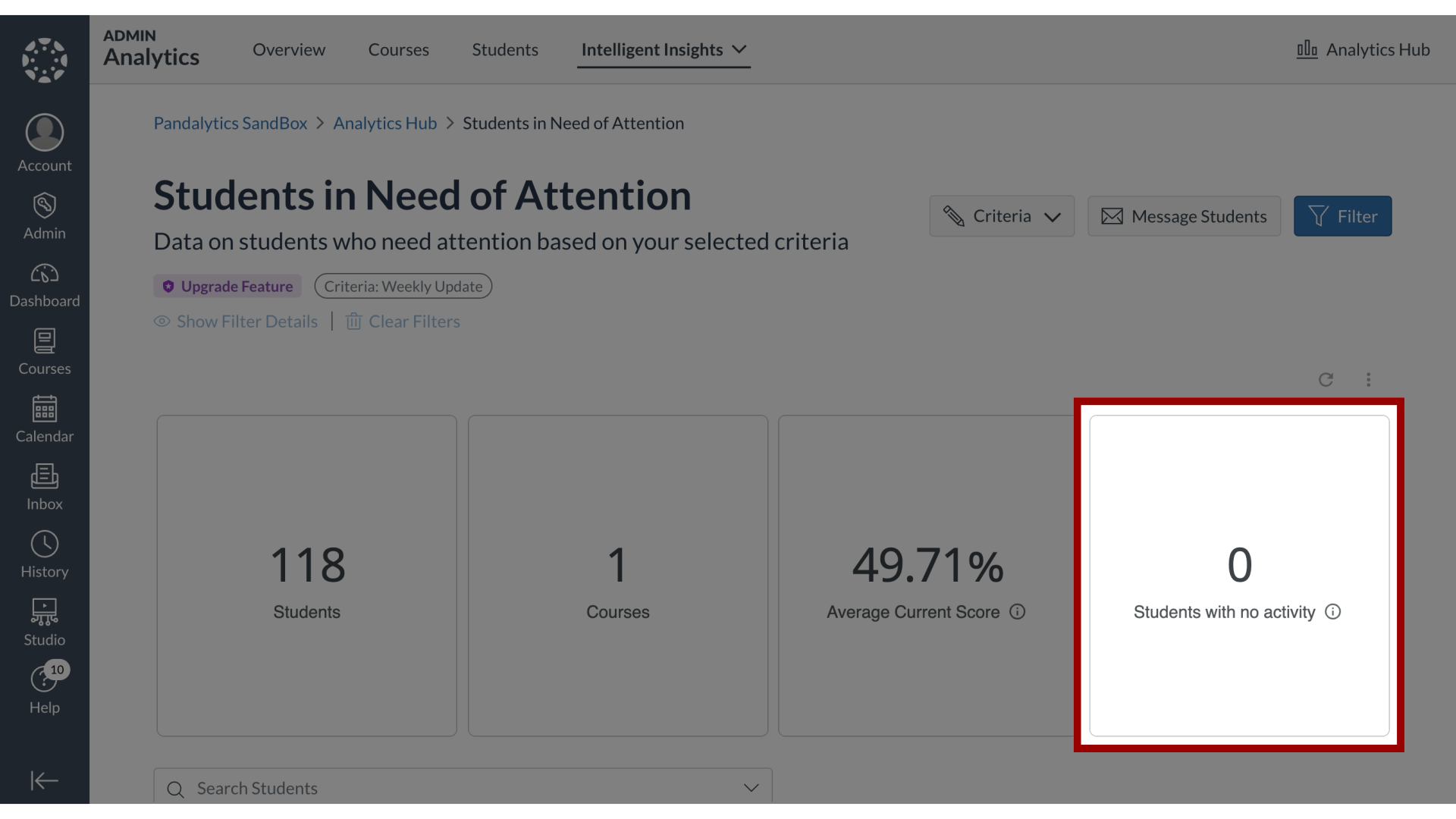
11. Students With No Activity
12. Students in Need of Attention

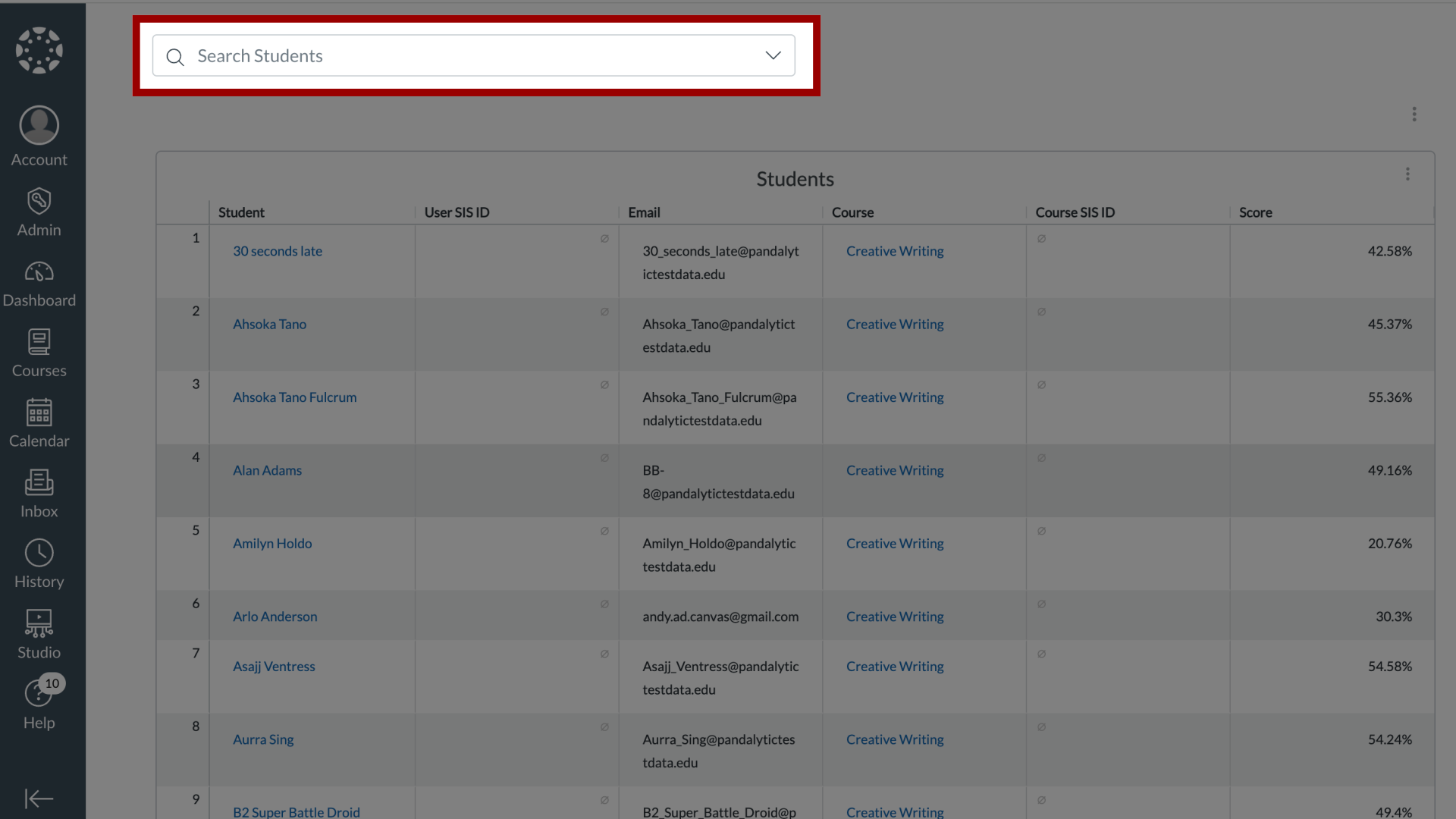
13. Search Students
To search for individual students, click the Search Students field.